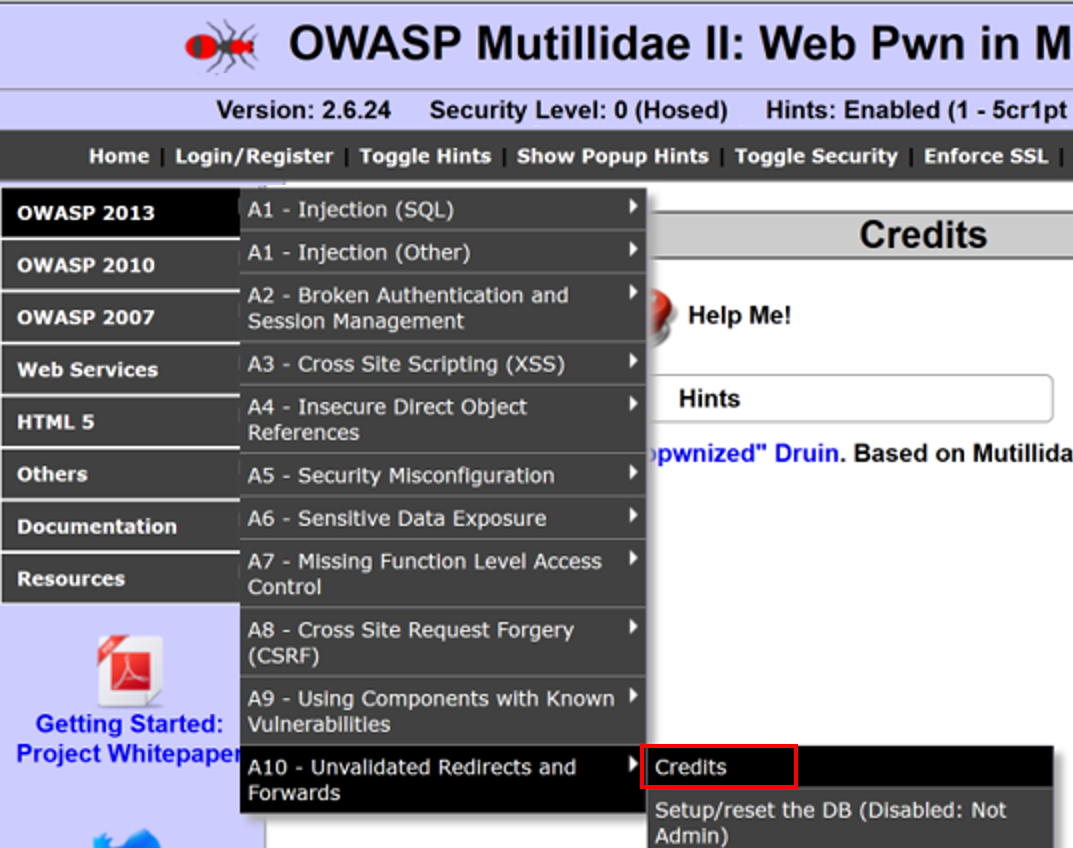
- Navigate to OWASP 2013 | A10 – Unvalidated Redirects and Forwards | Credits:
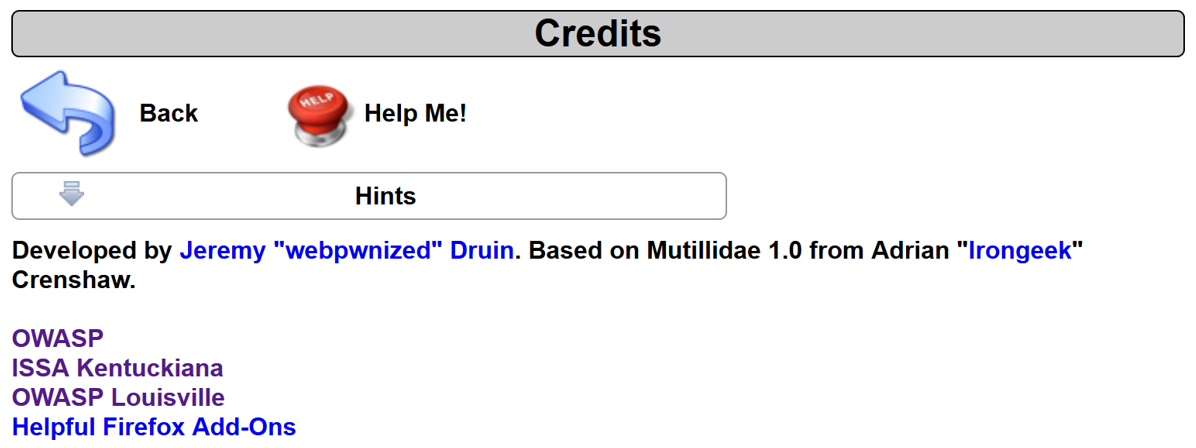
- Click the ISSA Kentuckiana link available on the Credits page:
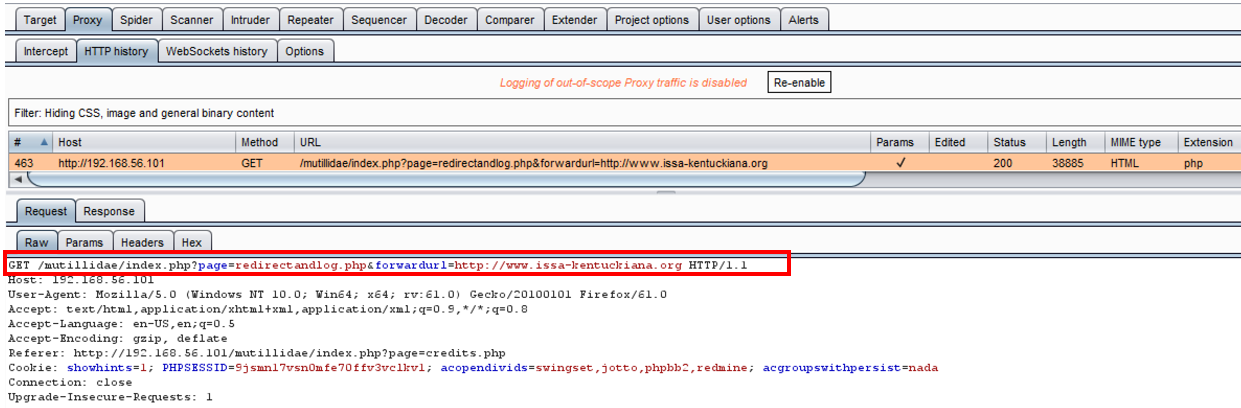
- Switch to the Burp Proxy HTTP history tab, and find your request to the Credits page. Note that there are two query string parameters: page and forwardurl. What would happen if we manipulated the URL where the user is sent?
- Switch to the Burp Proxy Intercept tab. Turn Interceptor on with the button Intercept is on.
- While the request is paused, note the current value of the fowardurl parameter:
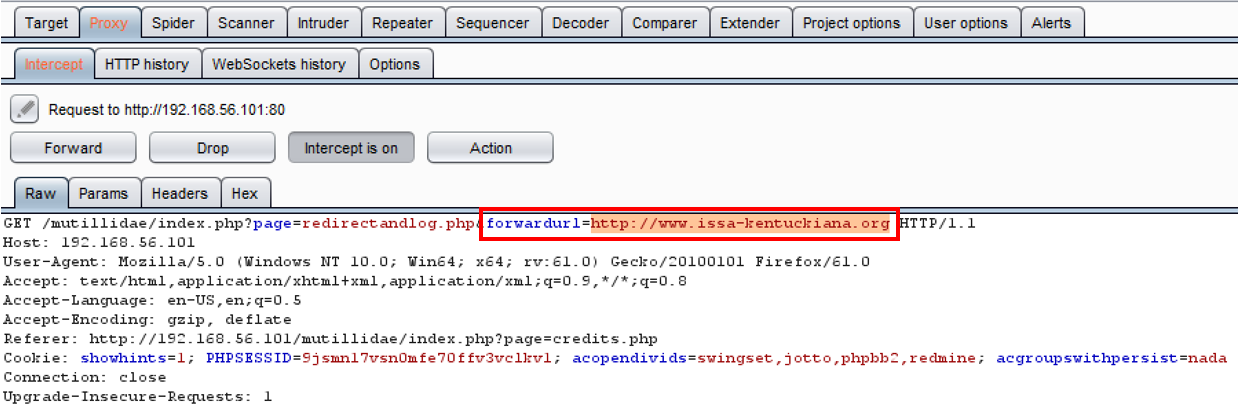
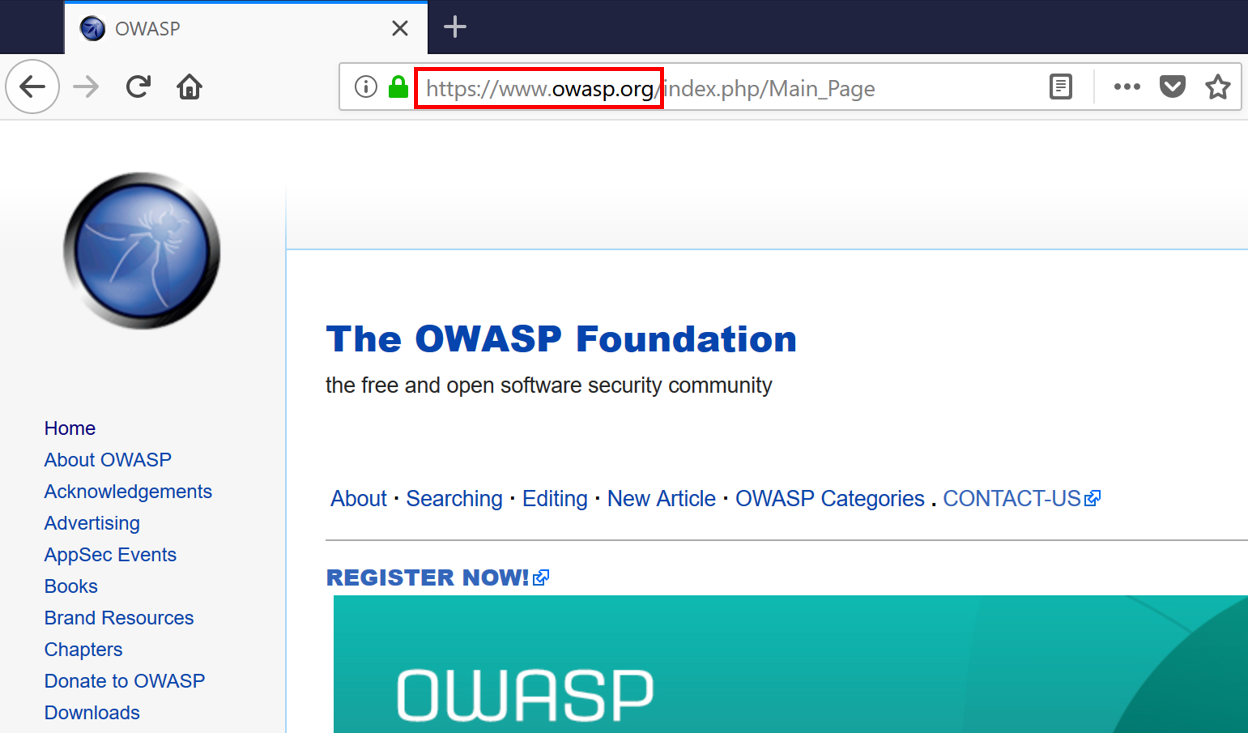
- Replace the value of the forwardurl parameter to be https://www.owasp.org instead of the original choice of http://www.issa-kentuckiana.org:
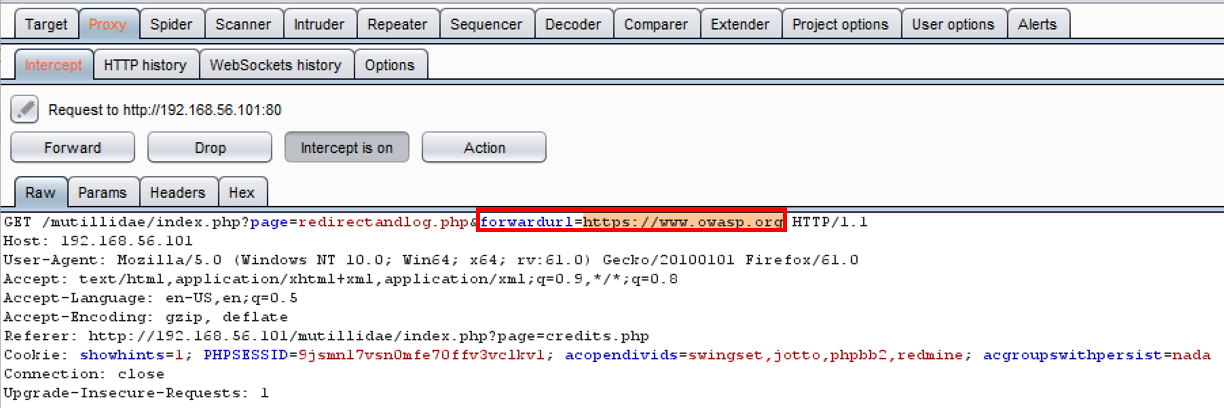
- Click the Forward button. Now turn Interceptor off by clicking the toggle button to Intercept is off.
- Note how we were redirected to a site other than the one originally clicked!