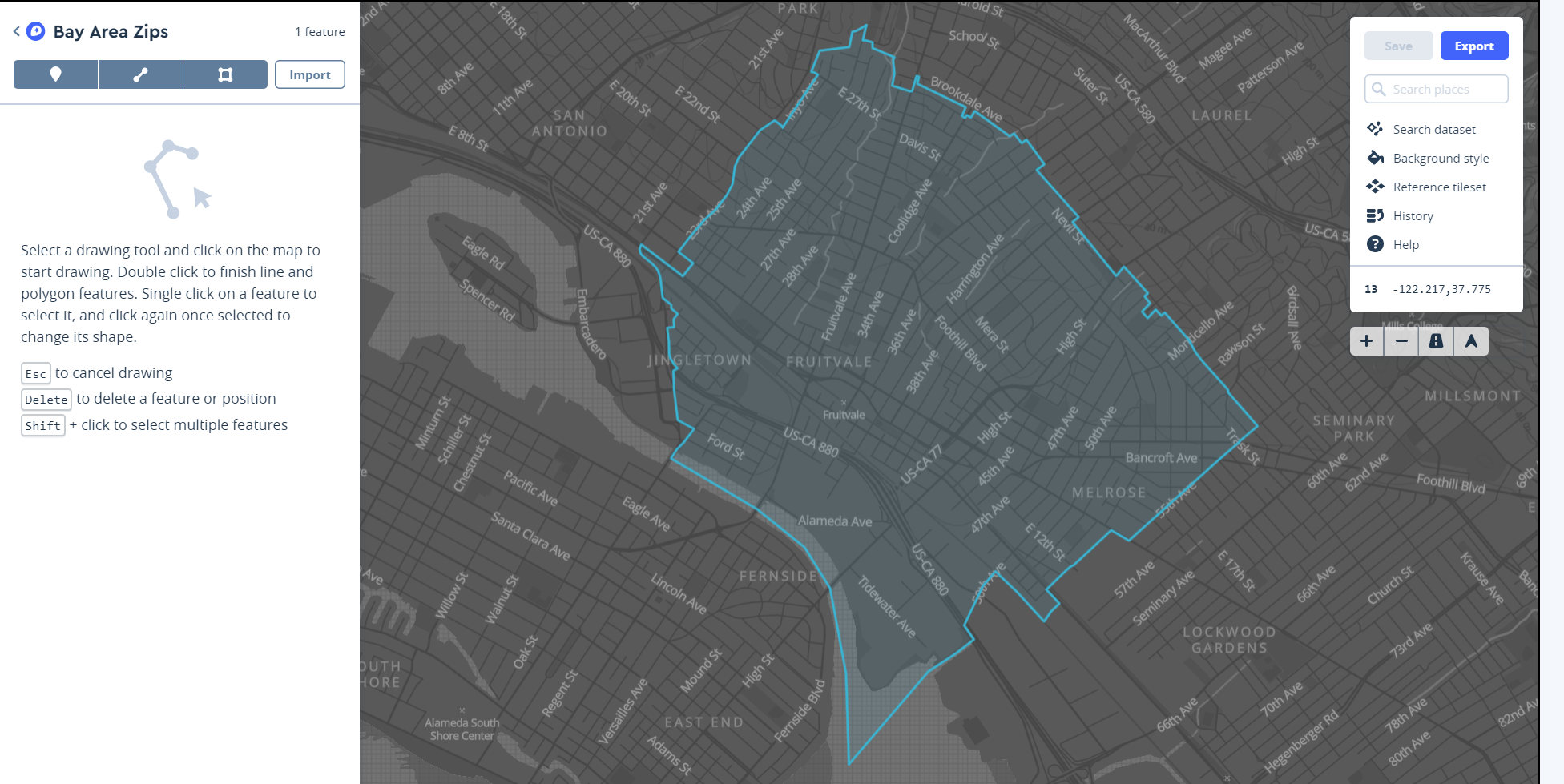
The mapbox module has a Datasets class that is used to create and populated datasets in the account. This demonstration code will read from a zip code GeoJSON file and load one zip code GeoJSON object into a new dataset. Pass the secret access token to the Datasets class:
from mapbox import Datasets
import json
datasets = Datasets(access_token='{secrettoken}')
create_resp = datasets.create(name="Bay Area Zips",
              description = "ZTCA zones for the Bay Area")
listing_resp = datasets.list()
dataset_id = [ds['id'] for ds in listing_resp.json()][0]
data = json.load(open(r'ztca_bayarea.geojson'))
for count,feature in enumerate(data['features'][:1]):
    resp = datasets.update_feature(dataset_id, count, feature)
This will add one zip code to the layer, which can be viewed from the Account Dashboard: