Compared to the previous recipe, we will modify the root CMakeLists.txt file, and will also implement a function (add_sphinx_doc):
- After appending the cmake folder to the CMAKE_MODULE_PATH, we include the UseSphinxDoc.cmake custom module, as follows:
list(APPEND CMAKE_MODULE_PATH "${CMAKE_SOURCE_DIR}/cmake")

include(UseSphinxDoc)
- The UseSphinxDoc.cmake module defines the add_sphinx_doc function. We call this function with keyword arguments, in order to set up our Sphinx documentation build. The custom documentation target will be called docs:
add_sphinx_doc(
  SOURCE_DIR
    ${CMAKE_CURRENT_SOURCE_DIR}/docs
  BUILD_DIR
    ${CMAKE_CURRENT_BINARY_DIR}/_build
  CACHE_DIR
    ${CMAKE_CURRENT_BINARY_DIR}/_doctrees
  HTML_DIR
    ${CMAKE_CURRENT_BINARY_DIR}/sphinx_html
  CONF_FILE
    ${CMAKE_CURRENT_SOURCE_DIR}/docs/conf.py.in
  TARGET_NAME
    docs
  COMMENT
    "HTML documentation"
  )
The UseSphinxDoc.cmake module follows the same explicit is better than implicit pattern that we used in the previous recipe:
- We need to find the Python interpreter and the Sphinx executable, as follows:
find_package(PythonInterp REQUIRED)
find_package(Sphinx REQUIRED)
- We then define the add_sphinx_doc function with one-value keyword arguments. These are parsed by the cmake_parse_arguments command:
function(add_sphinx_doc)
  set(options)
  set(oneValueArgs
    SOURCE_DIR
    BUILD_DIR
    CACHE_DIR
    HTML_DIR
    CONF_FILE
    TARGET_NAME
    COMMENT
    )
  set(multiValueArgs)

  cmake_parse_arguments(SPHINX_DOC
    "${options}"
    "${oneValueArgs}"
    "${multiValueArgs}"
    ${ARGN}
    )

  # ...

endfunction()
- The template file, conf.py.in, passed as the CONF_FILE keyword argument, is configured to conf.py in the SPHINX_DOC_BUILD_DIR:
configure_file(
  ${SPHINX_DOC_CONF_FILE}
  ${SPHINX_DOC_BUILD_DIR}/conf.py
  @ONLY
  )
- We add a custom target, called SPHINX_DOC_TARGET_NAME, to orchestrate the documentation building with Sphinx:
add_custom_target(${SPHINX_DOC_TARGET_NAME}
  COMMAND
    ${SPHINX_EXECUTABLE}
       -q
       -b html
       -c ${SPHINX_DOC_BUILD_DIR}
       -d ${SPHINX_DOC_CACHE_DIR}
       ${SPHINX_DOC_SOURCE_DIR}
       ${SPHINX_DOC_HTML_DIR}
  COMMENT
    "Building ${SPHINX_DOC_COMMENT} with Sphinx"
  VERBATIM
  )
- Lastly, we print out a status message to the user:
message(STATUS "Added ${SPHINX_DOC_TARGET_NAME} [Sphinx] target to build documentation")
- We configure the project and build the docs target:
$ mkdir -p build
$ cd build
$ cmake ..
$ cmake --build . --target docs
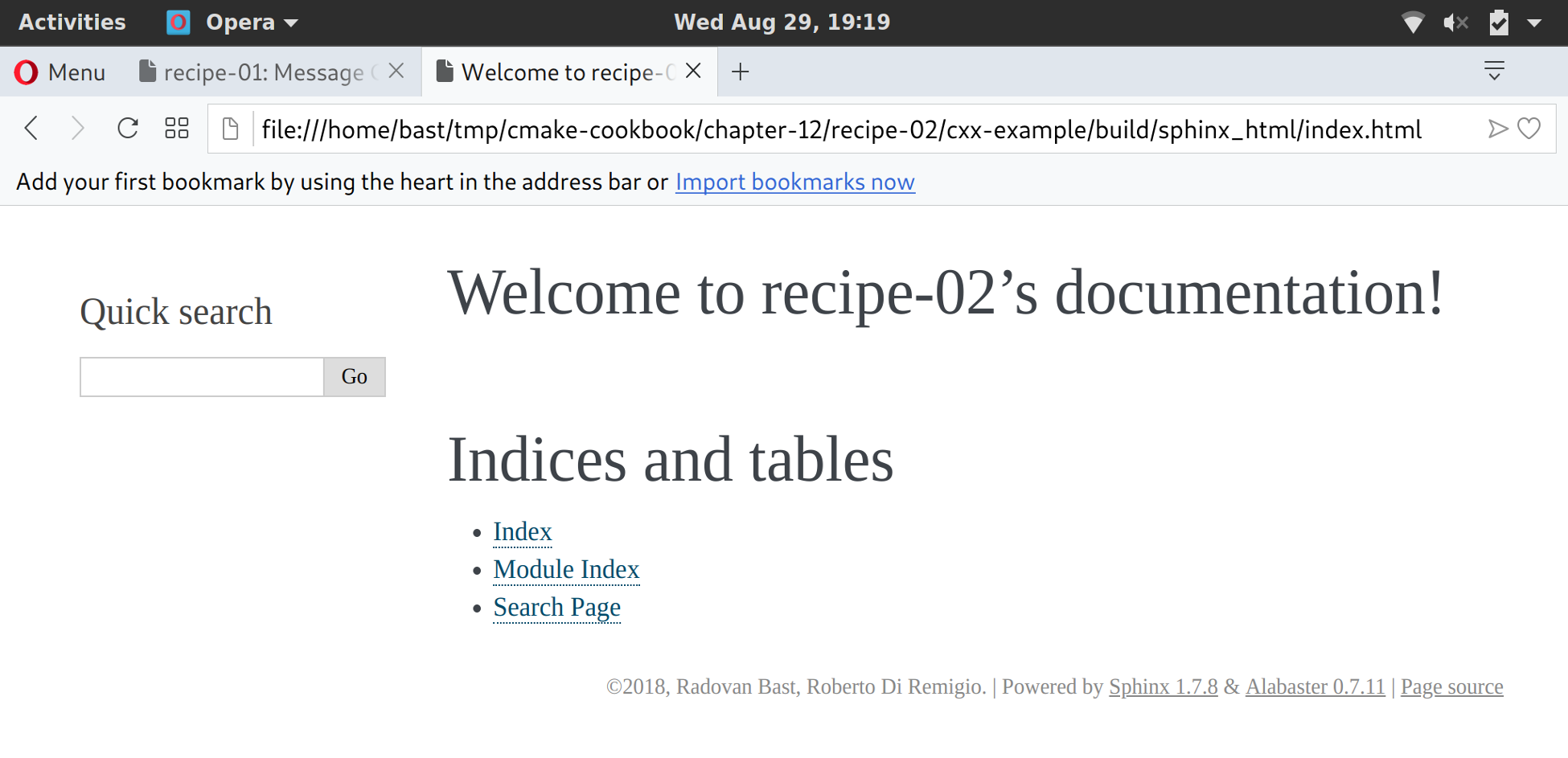
This will produce the HTML documentation in the SPHINX_DOC_HTML_DIR subdirectory of the build tree. Once again, you can use your favorite browser to open index.html and see the shiny (but still sparse) documentation: