So now you're saying, "Okay, this is all good, but how do I find out what's in these profiles and which one I need?" Well, there are several ways.
The first way, which I've just shown you, is to install the SCAP Workbench on a machine with a desktop interface and read through the descriptions of all the rules for each profile.
The second way, which might be a bit easier, is to go to the OpenSCAP website and look through the documentation that they have there.
As far as knowing which profile to choose, there are a few things to consider:
- If you work in the financial sector or in a business that does online financial transactions, then go with the pci-dss profile.
- If you work for a government agency, especially if it's the U.S. government, then go with either the stig profile or the nispom profile, as dictated by the particular agency.
- If neither of these two considerations applies to your situation, then you'll just want to do some research and planning, in order to figure out what really needs to be locked down. Look through the rules in each profile and read through the documentation at the OpenSCAP website to help decide what you need.
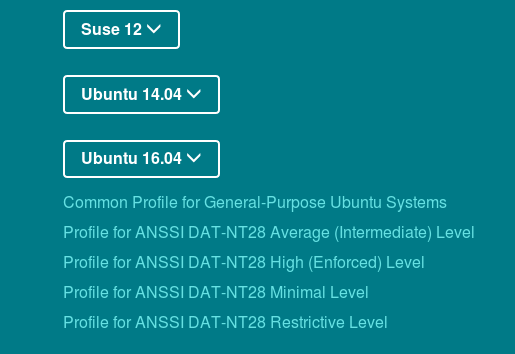
The next thing on your mind is, "What about Ubuntu? We've already seen that the profiles that come with Ubuntu are useless because they're for RHEL and Fedora." That's true, but you'll find profiles for various different distros, including for the Long Term Support versions of Ubuntu, at the OpenSCAP website: