
Snort isn't in the official repository of any Linux distro, so you'll need to get it from the Snort website. On their downloads page, you'll see installer files in the .rpm format for Fedora and CentOS and a .exe installer file for Windows. However, you won't see any .deb installer files for Ubuntu. That's okay because they also provide source code files that you can compile on a variety of different Linux distros. To make things simple, let's just talk about installing Snort on CentOS 7 with the prebuilt .rpm packages.
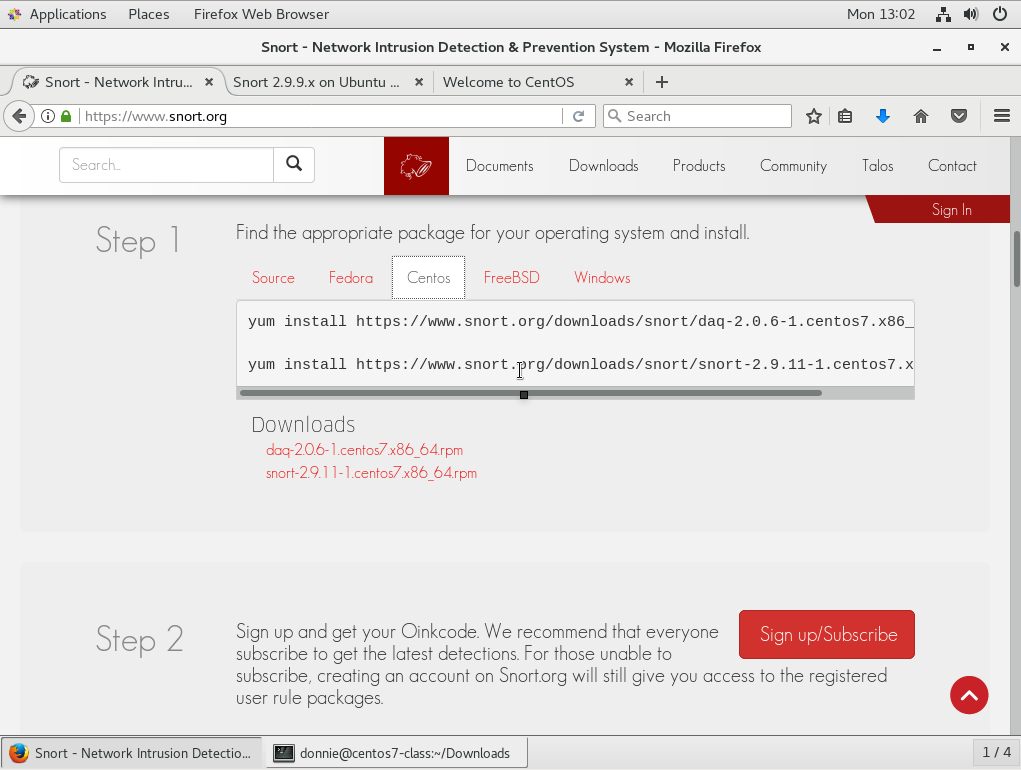
On the Snort home page, just scroll down a bit, and you'll see the guide on how to download and install Snort. Click on the Centos tab and follow the steps. The commands in Step 1 will download and install Snort all in one smooth operation, as shown in the following screenshot:
Step 2 and Step 3 involve signing up for your Oinkcode so that you can download the official Snort detection rules and then installing PulledPork so that you can keep the rules updated automatically, as shown in the following screenshot:
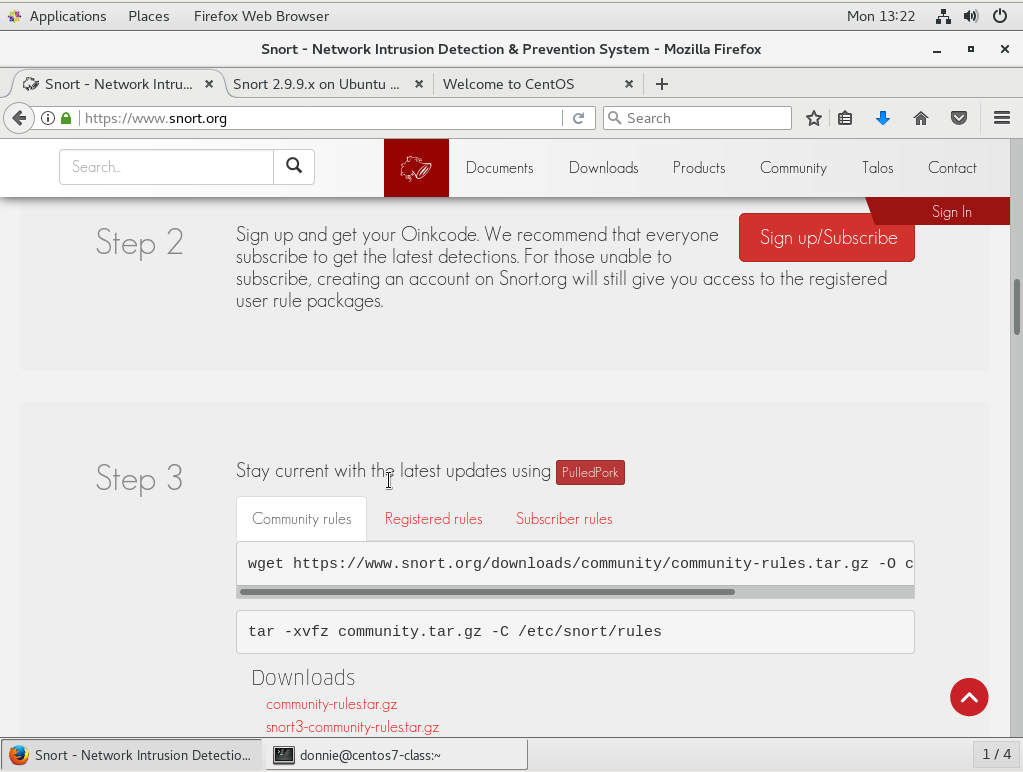
Bear in mind though that the free-of-charge detection rules that the Snort folk provide are about a month behind the ones that paid subscribers get. For learning purposes though, they're all that you need. Also, if you choose to not get the Oinkcode, you can just use the Community rules, which are a subset of the official Snort rules.
Step 4 is just to read the documentation:

And, that's it. You now have a working copy of Snort. The only catch is all you have so far is just the command-line interface, which might not be what you want.