
The procedure for resetting a password on an Ubuntu system is quite a bit different and quite a bit simpler. Start out the same as you did with the CentOS machine, by pressing the down-arrow key once to interrupt the boot process. Then, press the up-arrow key once to select the default boot option. Hit the E key to edit the kernel parameters:
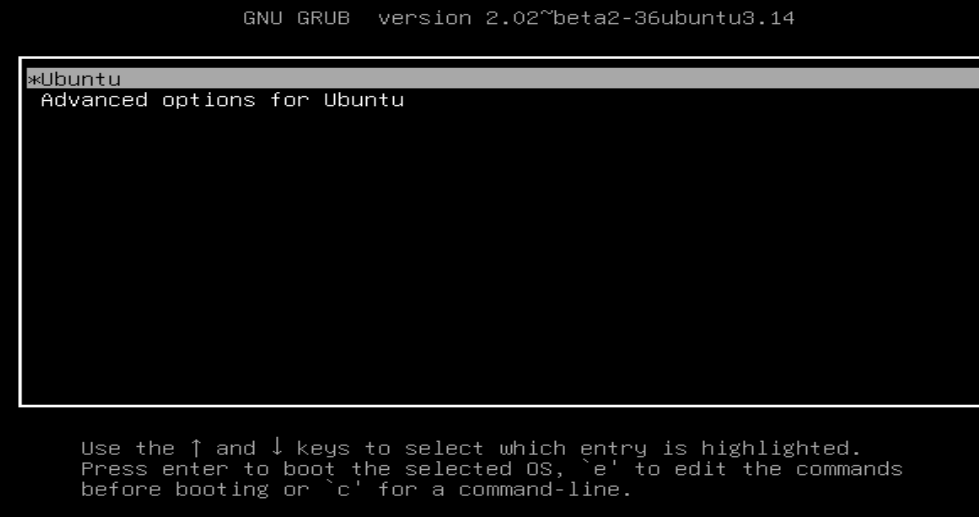
When the GRUB 2 configuration comes up, cursor down until you see the linux line:

Change the ro to rw and add init=/bin/bash:

Press Ctrl + X to continue booting. This will take you to a root shell:

Since Ubuntu doesn't normally have a password assigned to the root user, you would most likely just reset the password of whoever had full sudo privileges. See the following example:
passwd donnie
When you're in this mode, the normal reboot commands won't work. So, once you've finished with the password reset operation, reboot by entering:
exec /sbin/init
The machine will now boot up for normal operation.