
For Red Hat and CentOS machines with a desktop environment installed, we have SCAP Workbench. However, if the last time you ever worked with SCAP Workbench was on Red Hat/CentOS 7.0 or Red Hat/CentOS 7.1, you were likely quite disappointed. Indeed, the early versions of the Workbench were so bad that they weren't even usable. Thankfully, things greatly improved with the introduction of Red Hat 7.2 and CentOS 7.2. Now, the Workbench is quite the nice little tool.
To get it on your CentOS machine, just use the following code:
sudo yum install scap-workbench
Yeah, the package name is just scap-workbench instead of openscap-workbench. I don't know why, but I do know that you'll never find it if you're searching for openscap packages.
Once you get it installed, you'll see its menu item under the System Tools menu.
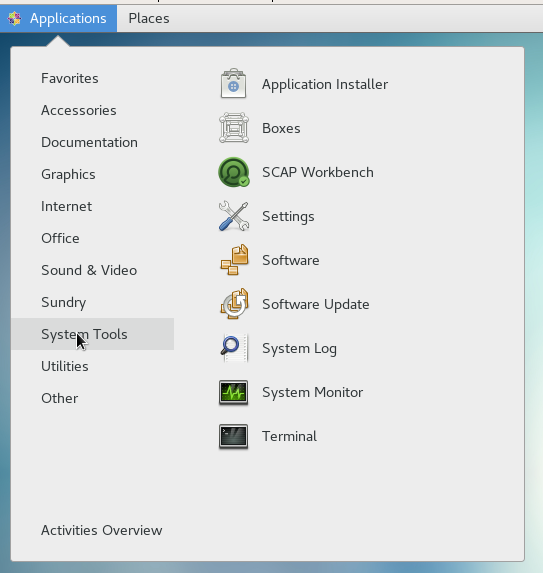
When you first open the program, you would think that the system would ask you for a root or sudo password. But, it doesn't. We'll see in a moment if that affects us.
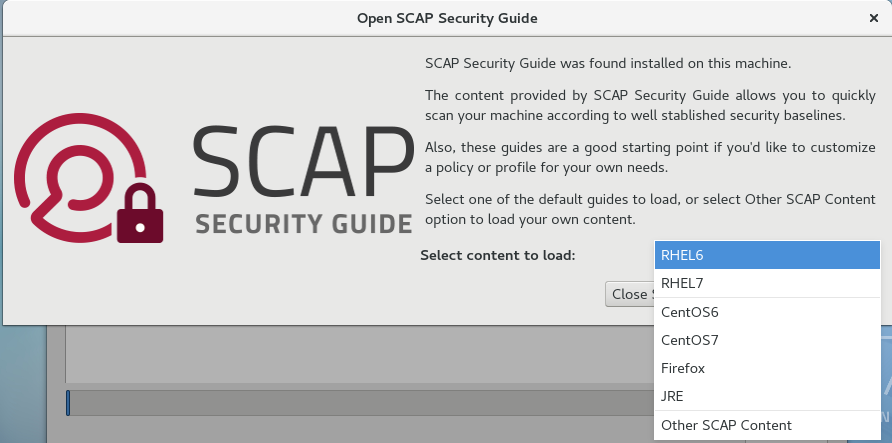
The thing you'll see on the opening screen is a drop-down list for you to select the type of content that you want to load. I'll select CentOS7 and then click on the Load content button:
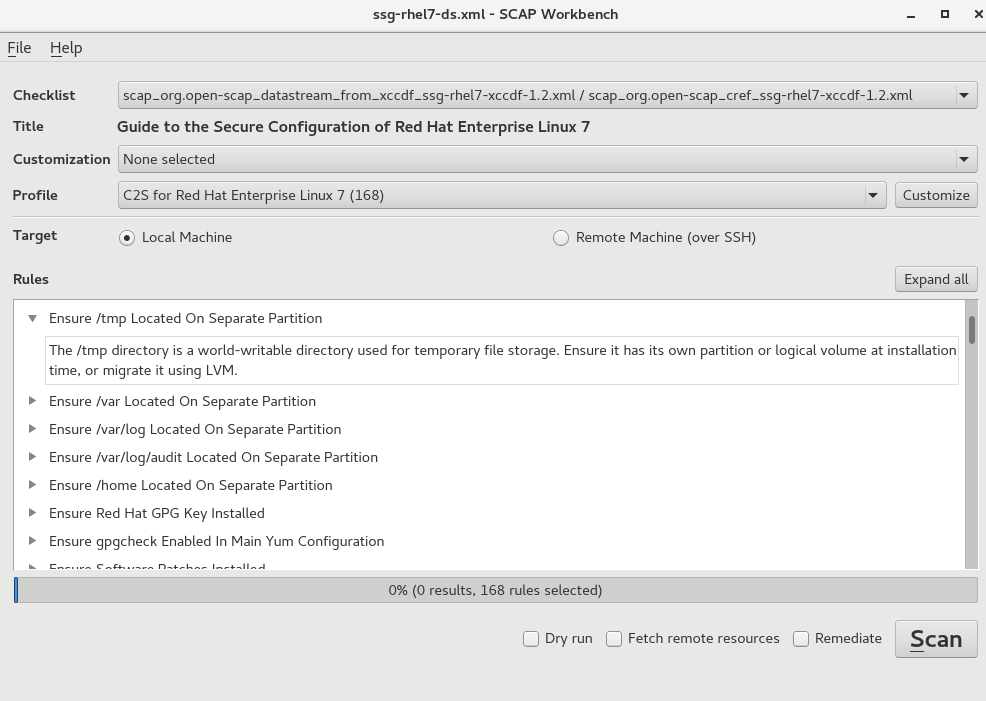
Next, you'll see in the top panel where you can select the desired profile. You can also choose to customize the profile, and whether you want to run the scan on the local machine or on a remote machine. In the bottom pane, you'll see a list of rules for that profile. You can expand each rule item to get a description of that rule:
Now, let's click that Scan button to see what happens:
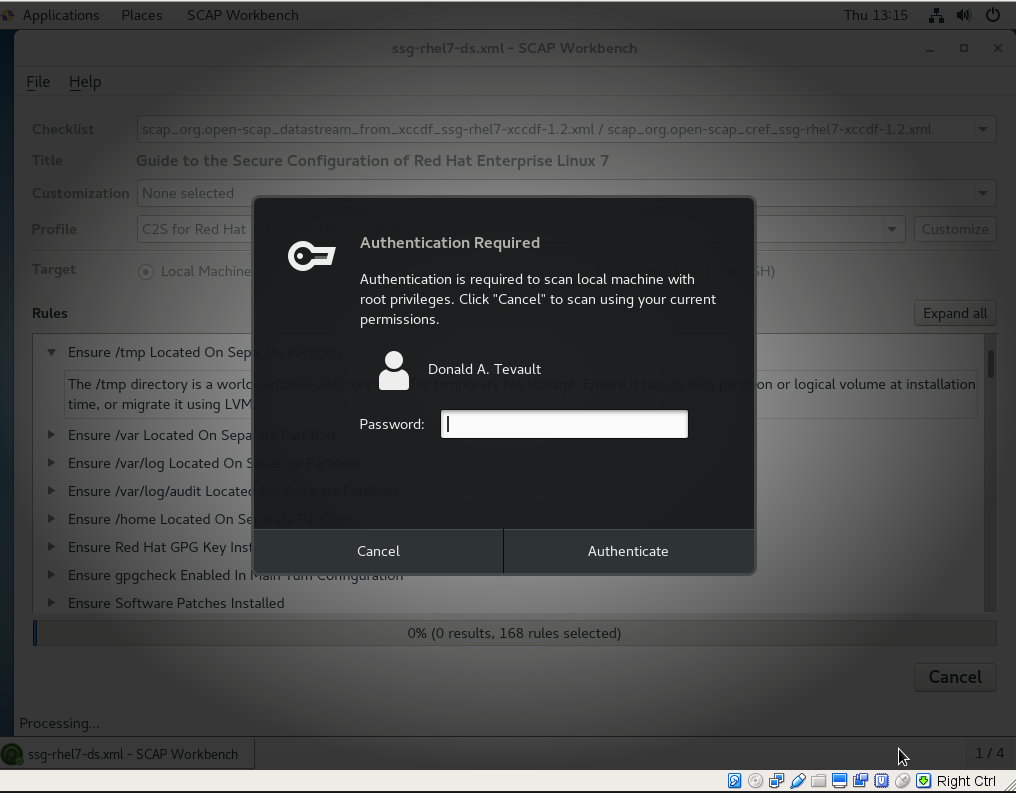
Cool. As I had hoped, it prompts you for your sudo password. Beyond that, I'll leave it to you to play with it. It's just another one of those GUI-thingies, so the rest of it should be fairly easy to figure out.