
Let's now take a look at an example of how we can define local task links by heading back to our Hello World module. On the /hello page, let's add two local tasks--one for the regular /hello page, and the other for the configuration form where the salutation can be changed. This is a good example of using local tasks (tabs), as the configuration form is strictly related to what is on the page and is used to make changes to it.
As I mentioned, local tasks go inside a *.links.task.yml file. So, let's create one for our module with two links in it:
hello_world.page:
  route_name: hello_world.hello
  title: 'Hello World'
  base_route: hello_world.hello
hello_world.config:
  route_name: hello_world.greeting_form
  title: 'Configuration'
  base_route: hello_world.hello
  weight: 100
As usual, the top-most lines are the machine name (plugin IDs) of the links and we have the definitions under them. We have a route_name property again to specify what route these links should go to, a title for the link title, and a base_route. The latter is the route the local task should show up on. As you can see, both our links will show up on the /hello page. The weight property can be used to order the tabs.
If you clear the cache and go to that page (as a user who has access to both routes), you'll be able to see the following two tabs:
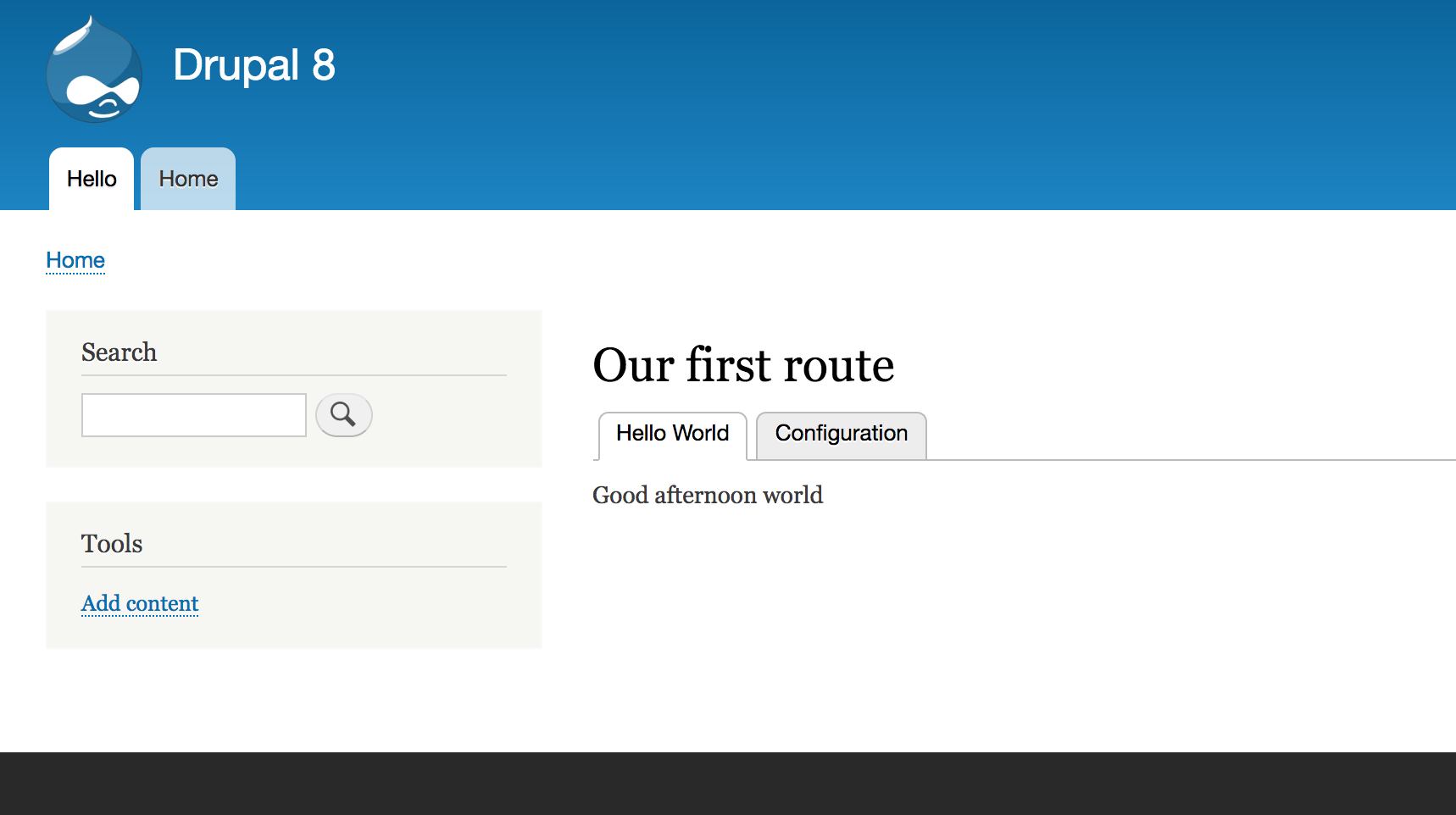
If you visit as an anonymous user, neither will show up for the reason I mentioned earlier.