
In the previous section, we created an awesome multirequest batch processing of our JSON product import. In the next section, we'll jump into the Queue API and see how we can plan the processing of multiple items at a later stage. However, before we dive into that, let's talk a bit about how the Drupal 8 cron works and what we can do with it. This is because our discussion about the Queue API is closely related to it.
First of all, Drupal doesn't actually have a fully fledged cron system. That is because it's an application and not a server capable of scheduling tasks that run at specified times of the day at intervals. However, what it has is a cron-like system, which can come very close, especially on busy websites. Often, it is affectionately referred to as the poor man's cron. Why? Since Drupal cannot by itself do anything without any sort of impetus, it relies on visitors coming to the website to trigger the cron tasks. So, even if we can configure the frequency of Drupal's cron, we are relying on visitors coming to the website and triggering it inadvertently. Drupal then keeps track of when the cron ran and ensures that the next time it runs is only after the configured amount of time has lapsed. So in essence, if the cron is set to run every hour but the next visitor only comes in three hours, it will only run then:
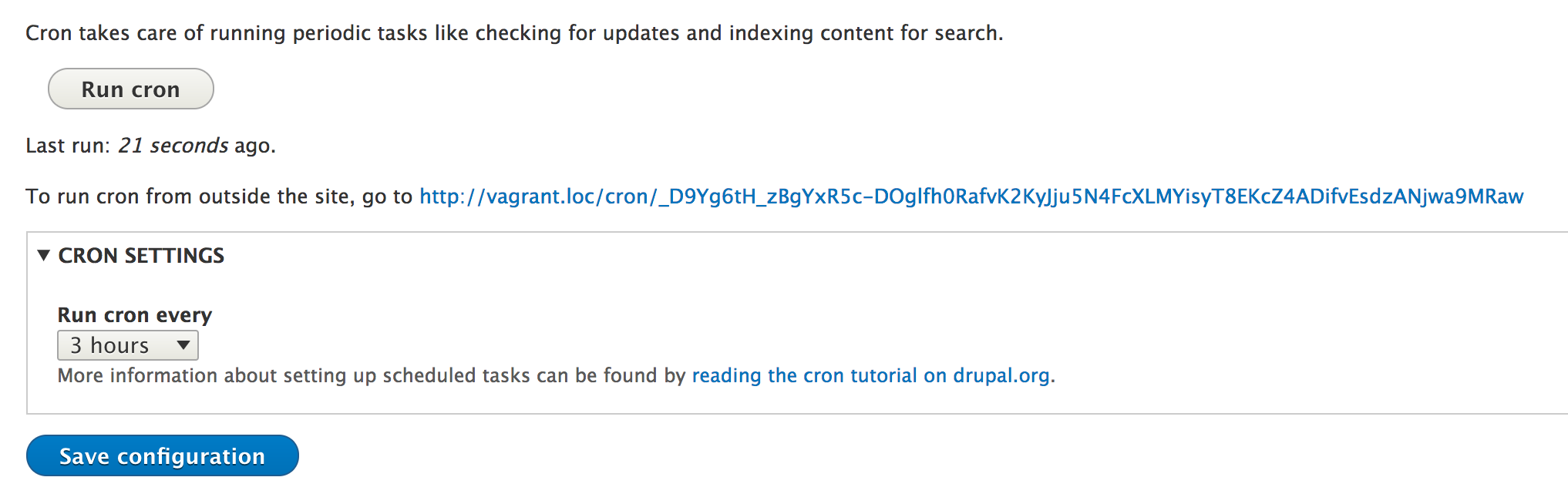
The Drupal cron is very useful for maintenance tasks and relatively small jobs that don't take too many resources away from the site visitors. It can be triggered manually from the UI, from an outside script, or even with Drush, by using the following command:
drush cron
There are many Drupal core and contributed modules that rely on this system to perform various tasks, and we as module developers can do the same by implementing hook_cron(). The latter gets fired every time the cron runs, so basically Drupal's cron is a collection of function calls to various modules. For this reason, we must avoid overloading the request with heavy processing, otherwise the request might crash. But as we will see in the next section, we can do something to control this if we have such jobs to run.
First though, let's look at an example implementation and see how it works. What we want to accomplish is that whenever cron runs, we delete all the records in the teams table (we created in Chapter 8 , The Database API) that are no longer referenced by any player. Essentially, if the teams don't have any players, they need to go. So, we could do something simple like this:
/**
 * Implements hook_cron().
 */
function sports_cron() {
  $database = \Drupal::database();
  $result = $database->query("SELECT id FROM {teams} WHERE id NOT IN (SELECT team_id FROM {players} WHERE team_id IS NOT NULL)")->fetchAllAssoc('id');
  if (!$result) {
    return;
  }

  $ids = array_keys($result);
  $database->delete('teams')
    ->condition('id', $ids, 'IN')
    ->execute();
}
We are implementing hook_cron(), and inside, we basically figure out which teams have no players and delete them. You'll notice the query to do the former is actually a more complex one, as we are using a subquery, but it is still not rocket science. Feel free to check Chapter 8, The Database API, for a refresher on the Drupal 8 database API.
This function will then be fired every time our Drupal cron runs, and we could argue that doing this task is not such a big strain on our resources. However, in the next chapter, we will see how we can handle cases like those. Moreover, we'll see why that approach might even be better than this one, regardless of resource intensiveness.