
But in order to actually use this table, we need to define one or more fields that can output some of its data. So, we start with a simple one, the player IDs. Anything that comes under the $data['table_name'] array (that is not keyed by table, as we've seen) is responsible for defining Views fields. The keys are their machine names. title and help are there again and are used in the UI when we try to add the respective fields:
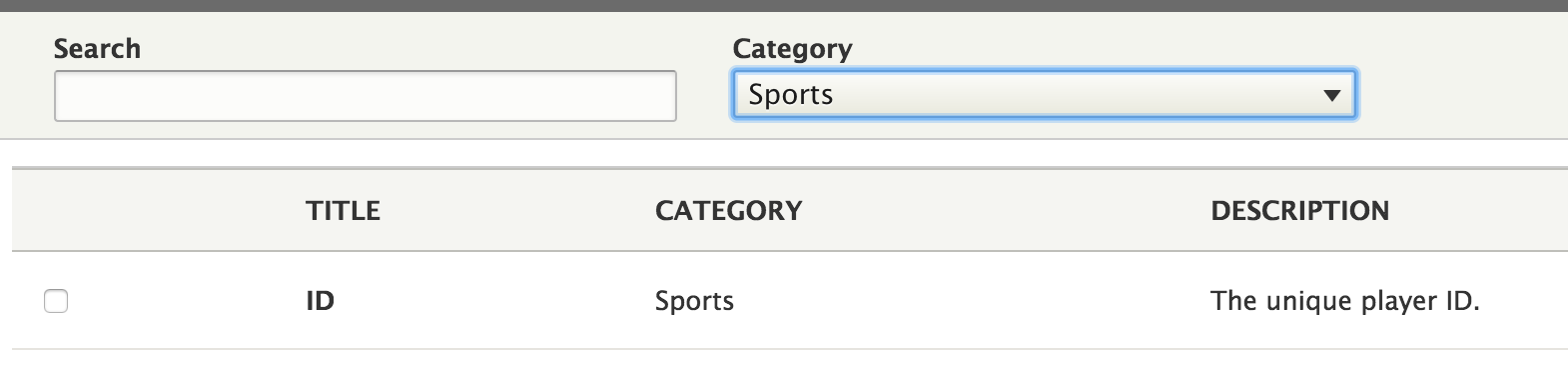
The most important part of this definition, however, is the field key which basically says for this piece of data, we want a Views field that uses the ViewsField plugin with the ID numeric (NumericField). So, we don't actually have to write our own plugin because Views already has a good one for us and it will treat our IDs according to the type of data they are. Of course, when defining Views fields (or any other types of data responsibilities, that is, plugins or handlers), we can have more options than just the ID of the plugin to use.
With this, we are done. Clearing the cache, we can now go into the Views UI and create our first View that shows player data. To it, we can add the ID field, which will then naturally just show a list of IDs. Not more, as we haven't defined anything else. So, let's go ahead and expose the player name in the same way:
$data['players']['name'] = array(
  'title' => t('Name'),
  'help' => t('The name of the player.'),
  'field' => array(
    'id' => 'standard',
  ),
);
This time, we are using the standard plugin, which is the simplest one we can use. It essentially just outputs the data as it is found in the data source (with the proper sanitization in place). In the case of our player names, that is enough. Now, we can add this new field to the View as well.
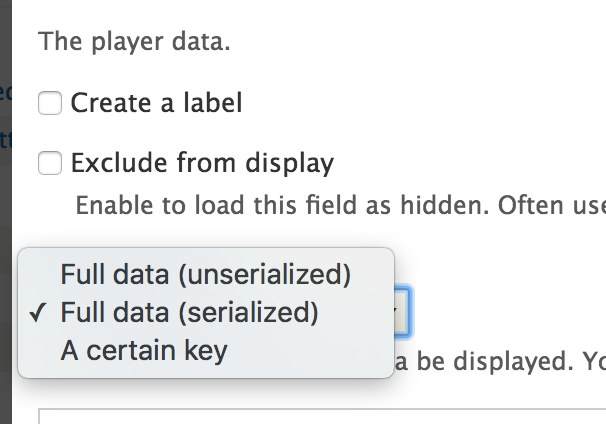
If you remember, the other column on our players table is one that can store arbitrary data in a serialized way. Obviously, this cannot be used for filtering or sorting, but we can still output some of that data as a field. There are two ways we can go about doing this, depending on our data and what we want accomplished. First, we can use the exiting Serialized plugin, which allows us to display the serialized data or even a given key from the resulting array (depending on the field configuration). But for more complex situations (especially when the data is arbitrary), we can write our own field plugin.
Let's start by creating a simple data field that can output a printed version of our serialized data since we cannot rely on the actual data being stored:
$data['players']['data'] = array(
  'title' => t('Data'),
  'help' => t('The player data.'),
  'field' => array(
    'id' => 'serialized',
  ),
);
In the field configuration, we then have these options to choose from:
With this, you should already get a picture of how to define fields for output in Views. Let's now see how we can bring our teams into the loop and show some data about the teams the players belong to.