The Raspberry Pi is amazing at two levels—the advanced functionality that you get in a credit card-sized SBC (Single Board Computer) and its price. Even with today’s Pi competitors, the Raspberry Pi reigns supreme because few can beat its price. Further, it enjoys great software and community support.
Price is an important advantage of the Pi that competitors don’t always appreciate. Hobbyists and makers are applying the Pi in new and sometimes risky ways. Someone starting out doesn’t want to lose their SBC because of a rookie mistake. At the low Pi price point, the loss can be absorbed without losing heart. Imagine a student buying an Intel Joule1 (when it was offered) for $349 USD and toasting it by accident. That would be enough to make most people give up right there! Price allows everyone to proceed fearlessly in their learning.
SBC Inventory
Before considering the details about the resources within the Raspberry Pi, it is useful to take a high-level inventory. In this chapter, let’s list what you get when you purchase a Pi.
The hardware itself—what it is and how it works
The driving software and API behind it
In some cases, the hardware will have one or more kernel modules behind it, forming the device driver layer. They expose a software API that interfaces between the application and the hardware device. For example, applications communicate with the driver by using ioctl(2) calls, while the driver communicates with the I2C devices on the bus. The /sys/class file system is another way that device drivers expose themselves to applications. You’ll see this when GPIO (general purpose input/output) is examined in Chapter 12.
There are some cases where drivers don’t exist in Raspbian Linux, requiring you to use a “bare metal” approach. An example of this is creating PWM signals using software. By mapping the GPIO registers into the application memory space, the desired result can be obtained directly from the application program. Both direct access and driver access have their advantages and disadvantages.
So while the summary inventory simply lists the hardware devices, you’ll be examining each resource in greater detail in the chapters ahead.
Models
Summary of the Raspberry Pi Models
Model | Introduced | Price | CPU | SoC | Misc |
|---|---|---|---|---|---|
Model A | Feb 2013 | $25 | ARMv6Z | BCM2835 | 32-bit |
Model A | Nov 2014 | $20 | ARMv6Z | BCM2835 | 32-bit |
Model B | April 2012 | $35 | ARMv6Z | BCM2835 | 32-bit |
July 2014 | $25 | ARMv6Z | BCM2835 | 32-bit | |
Model B 2 | Feb 2015 | $35 | ARMv7-A | BCM2836 | Quad 32-bit |
Model B 2 (1.2) | Oct 2016 | $35 | ARMv8-A | BCM2837 | Quad 32/64-bit |
Model B 3 | Feb 2016 | $35 | ARMv8-A | BCM2837 | Quad 32/64-bit |
Model B 3+ | Mar 2018 | $35 | ARMv8-A | BCM2837B0 | Quad 32/64-bit |
Compute Module 1 | Jan 2016 | $30 | ARMv6Z | BCM2835 | 32-bit |
Compute Module 3 | Jan 2017 | $30 | ARMv8-A | BCM2837 | Quad 64-bit |
Compute Module 3 Lite | Jan 2017 | $25 | ARMv8-A | BCM2837 | Quad 64-bit |
Zero (1.2) | Nov 2015 | $5 | ARMv6Z | BCM2834 | 32-bit |
Zero (1.3) | May 2016 | $5 | ARMv6Z | BCM2834 | 32-bit |
Zero W | Feb 2017 | $10 | ARMv6Z | BCM2834 | Wireless 32-bit |
Raspberry Pi Model B
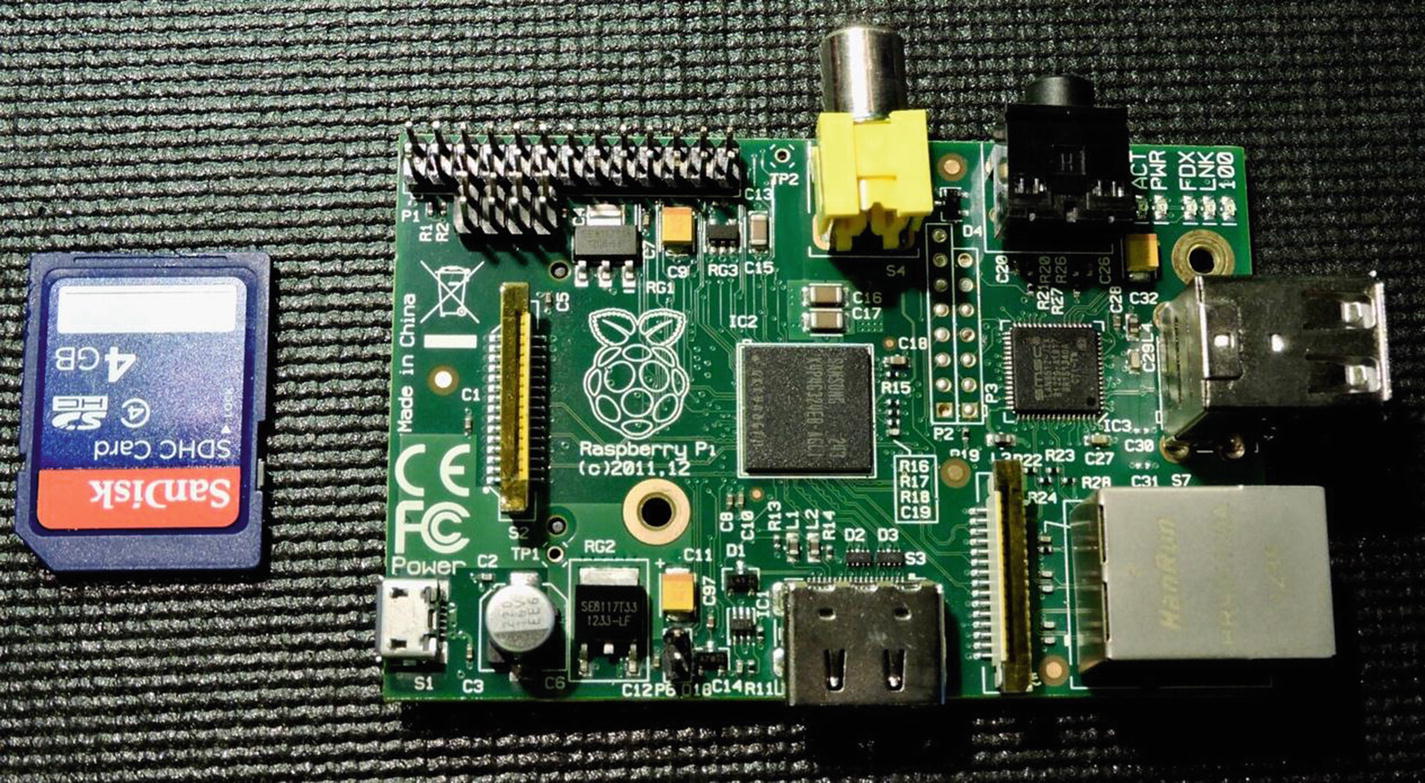
Raspberry Pi Model B (top side), generation 1
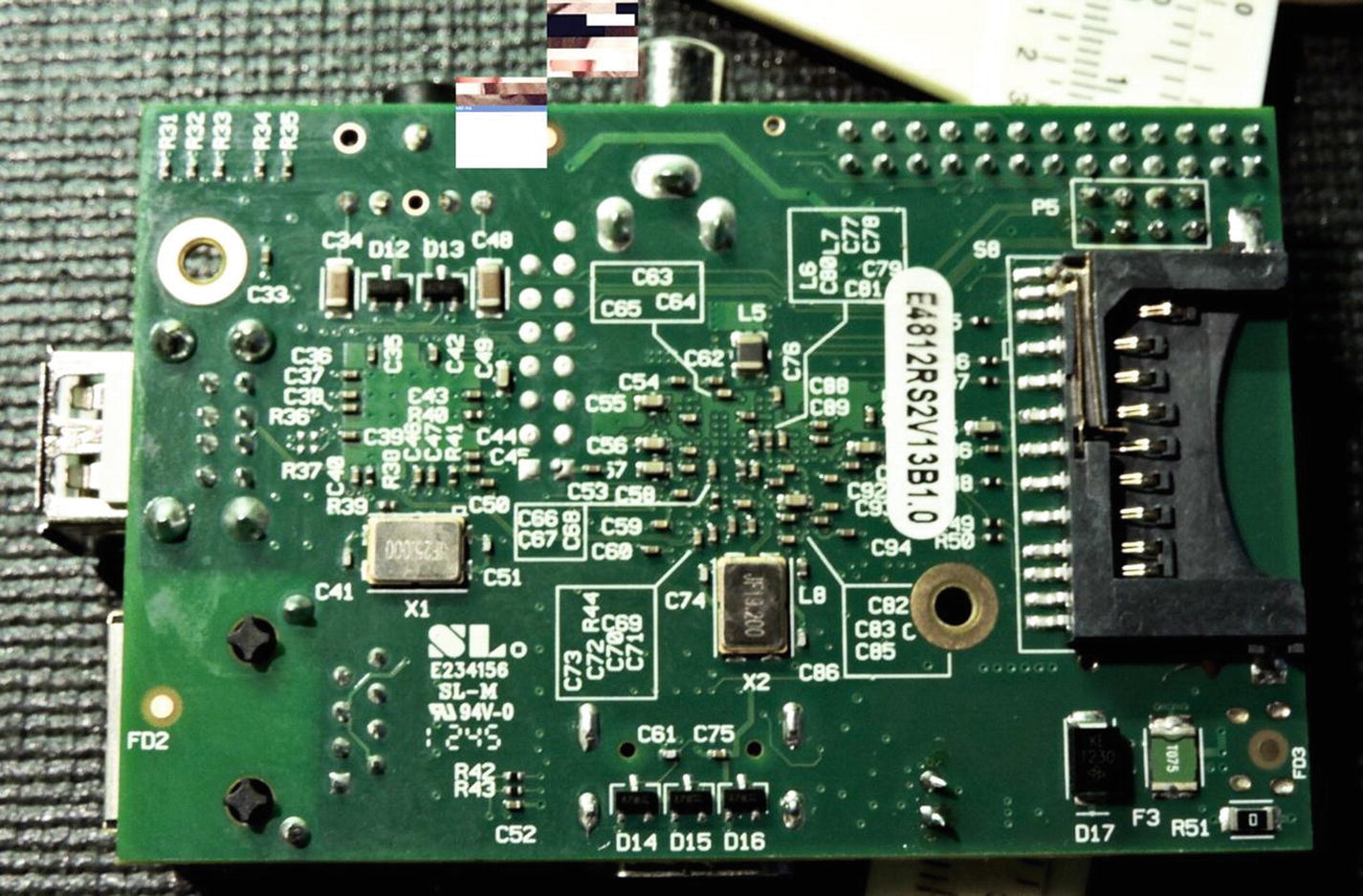
Raspberry Pi Model B (bottom), generation 1
The power rating was approximately 700 mA (3.5 W) taken from the Micro-USB connector or header strip.
Raspberry Pi 2 Model B
The Raspberry Pi 2 Model B came out February 2015 for $35 USD. This model uses the ARMv7A 32-bit architecture. The main improvement was the support of four CPU (central processing unit) cores, running at 900 MHz. Another improvement was the 1 GB of SDRAM, allowing for larger application mixes. Figure 1-3 illustrates the top side of the pcb, while Figure 1-4 shows the bottom.
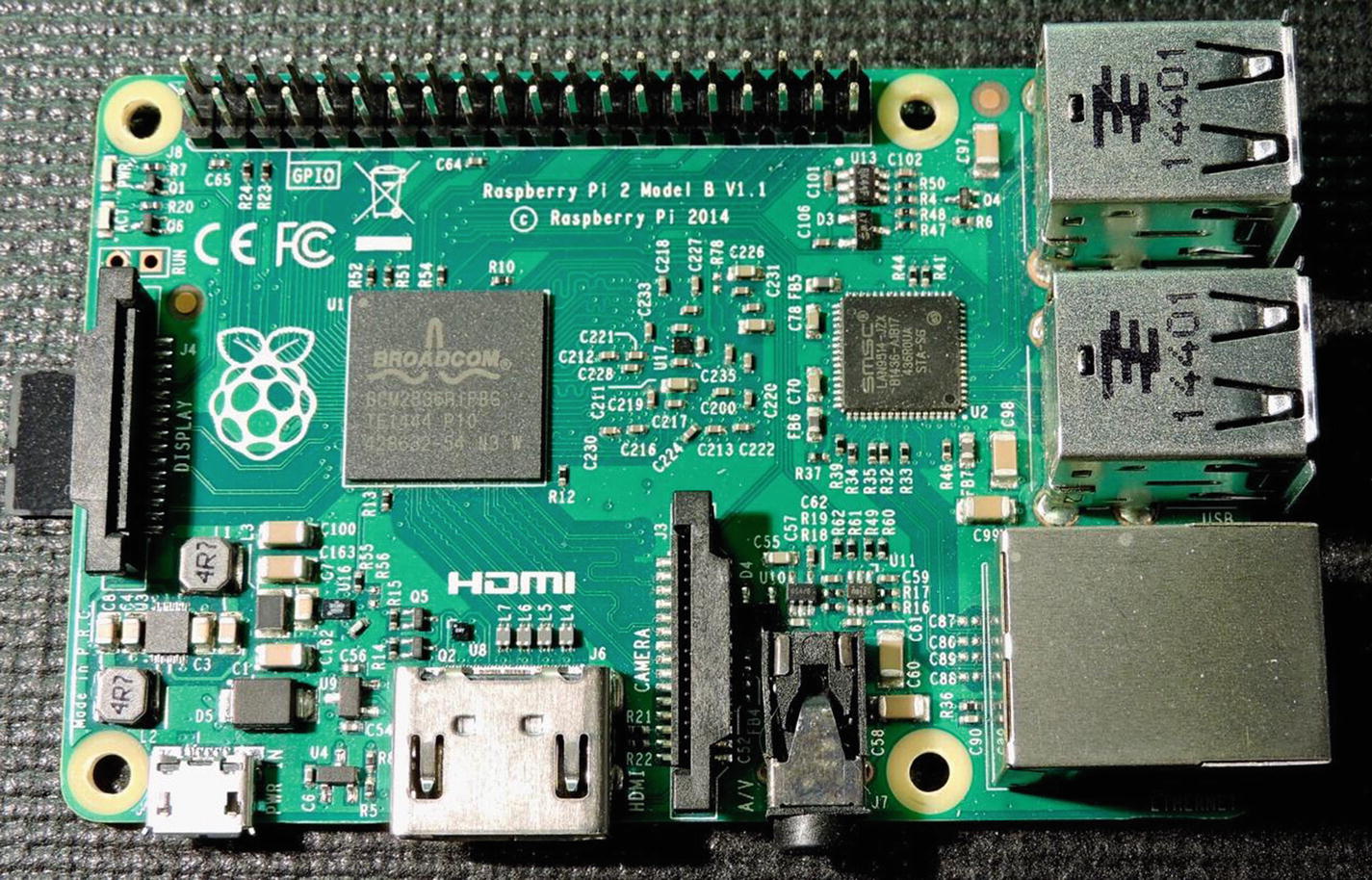
The top side of the Raspberry Pi 2 Model B
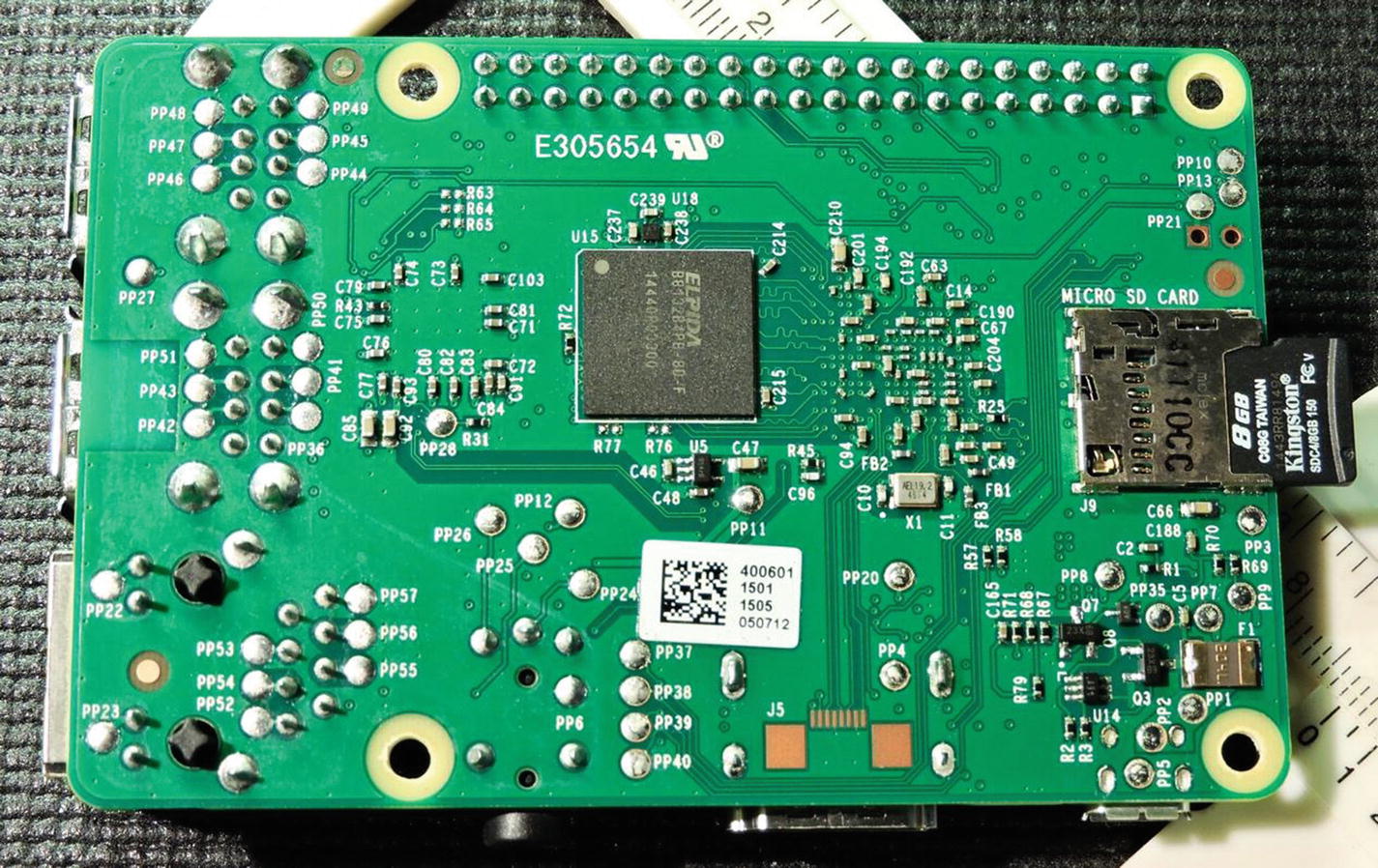
The bottom side of the Raspberry Pi 2 Model B
Raspberry Pi 3 Model B
February 2016 brought with it the arrival of the Raspberry Pi 3 Model B, again for $35 USD. This offered the ARMv8-A 64/32-bit architecture. The quad cores ran at a brisk 1.2 GHz with the provided 1 GB of SDRAM. Another gift was the addition of IEEE 802.11n-2009 wireless support and Bluetooth 4.1. Figure 1-5 illustrates the top side of the pcb while Figure 1-6 shows the bottom.
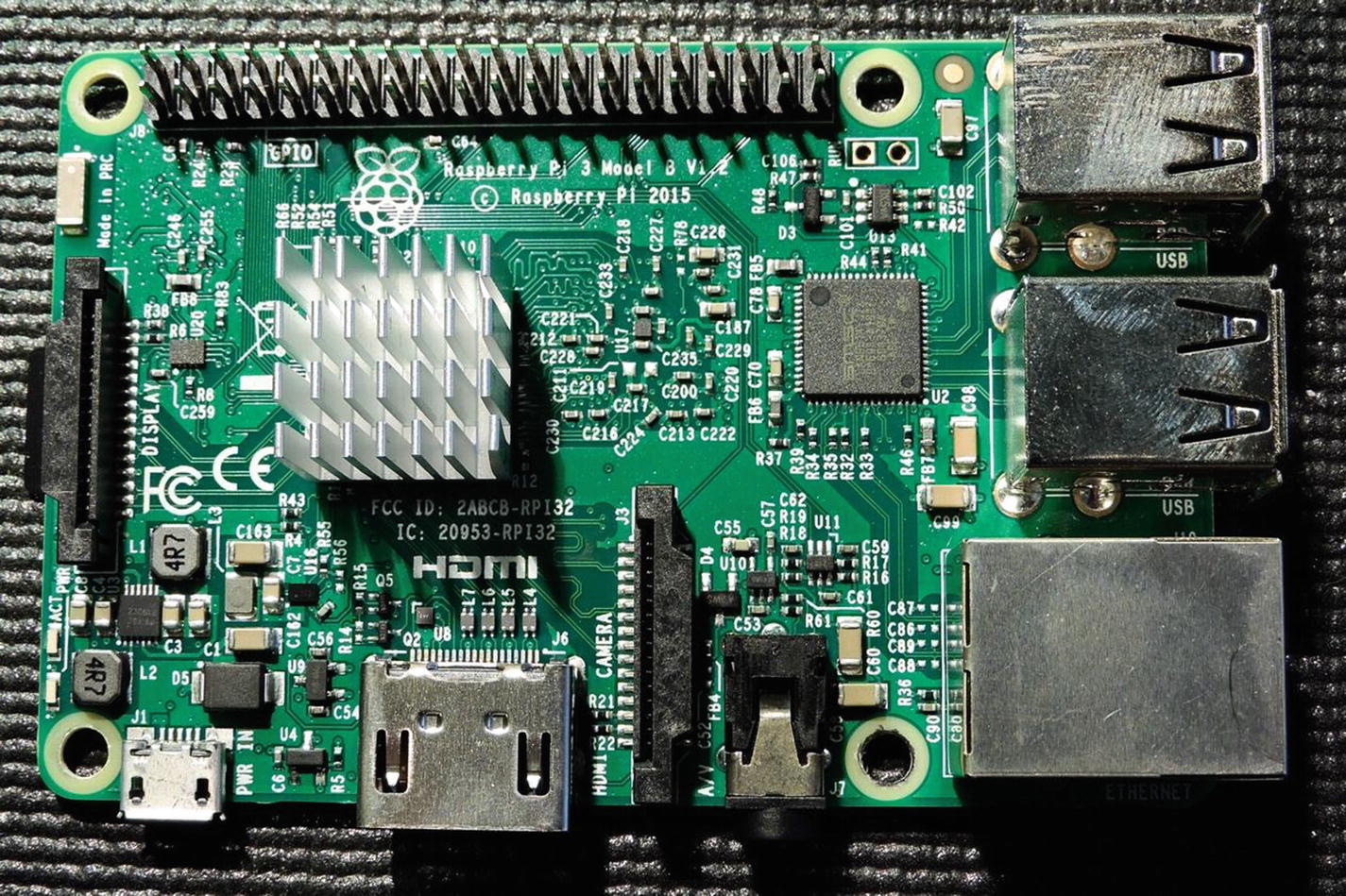
Top side of Raspberry Pi 3 Model B
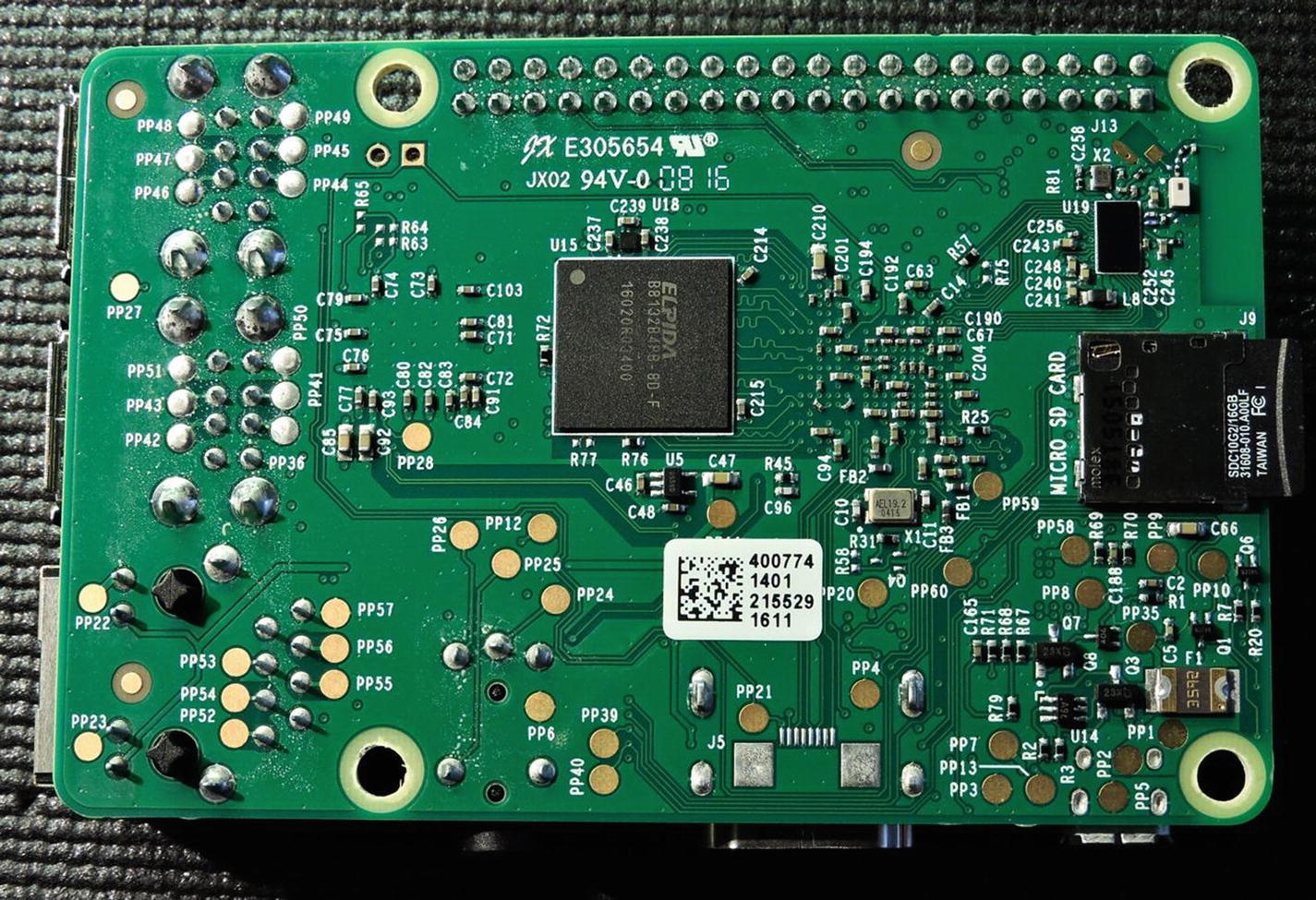
Bottom side of Raspberry Pi 3 Model B
Raspberry Pi 3 Model B+
This model arrived in March 2018, again for the great price of $35 USD. It is a 64-bit, 1.4 GHz quad core, with 1 GB of SDRAM. The network port supports 10/100/1000 Mbits/s Ethernet, although the top speed is limited to about 300 Mbit/s because of its internal use of the USB hub. The wireless support now included 802.11ac for dual band 2.4/5 GHz operation. Bluetooth was upgraded to Bluetooth 4.2 LS BLE.
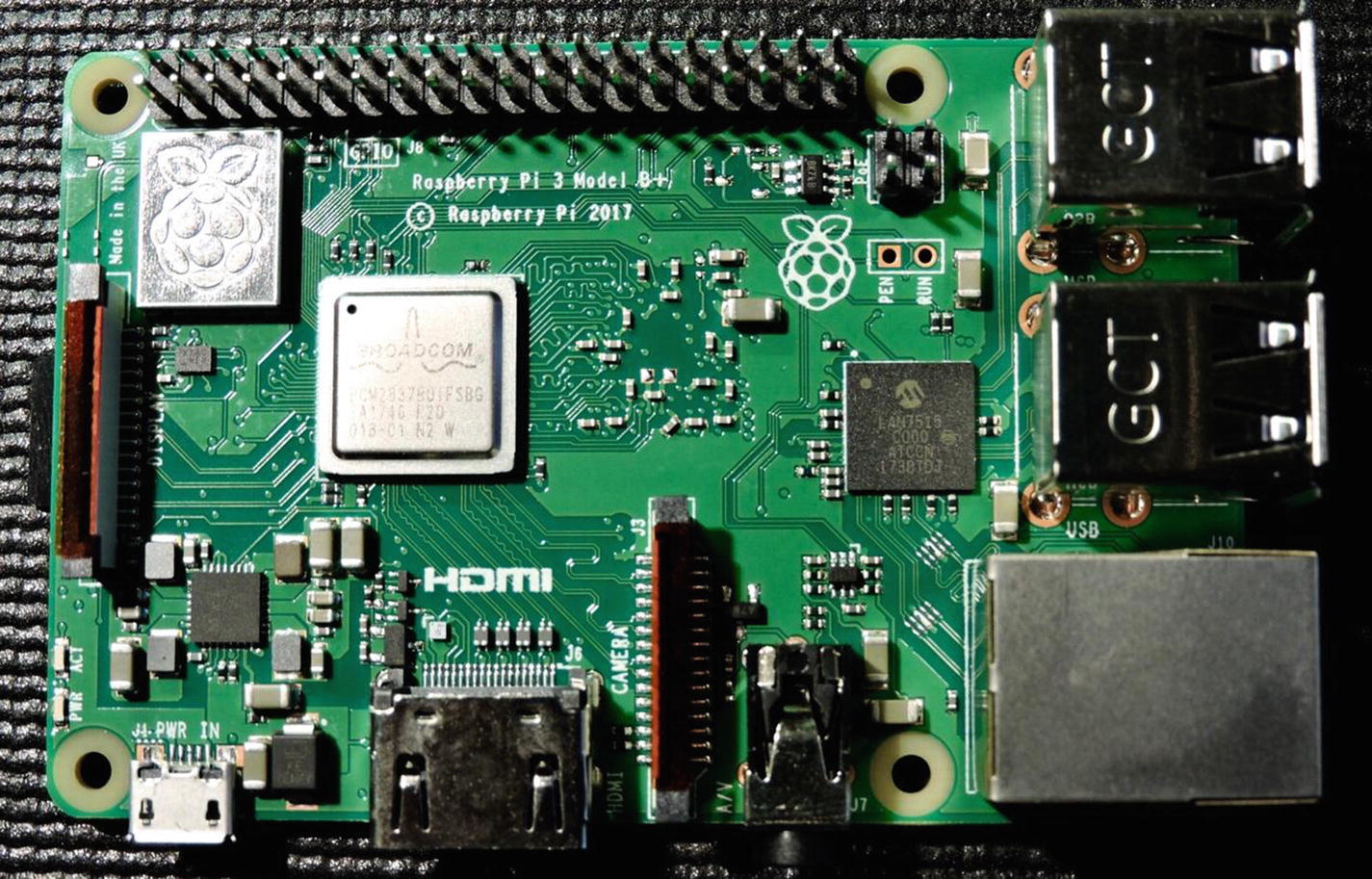
Top side of Raspberry Pi 3 Model B+
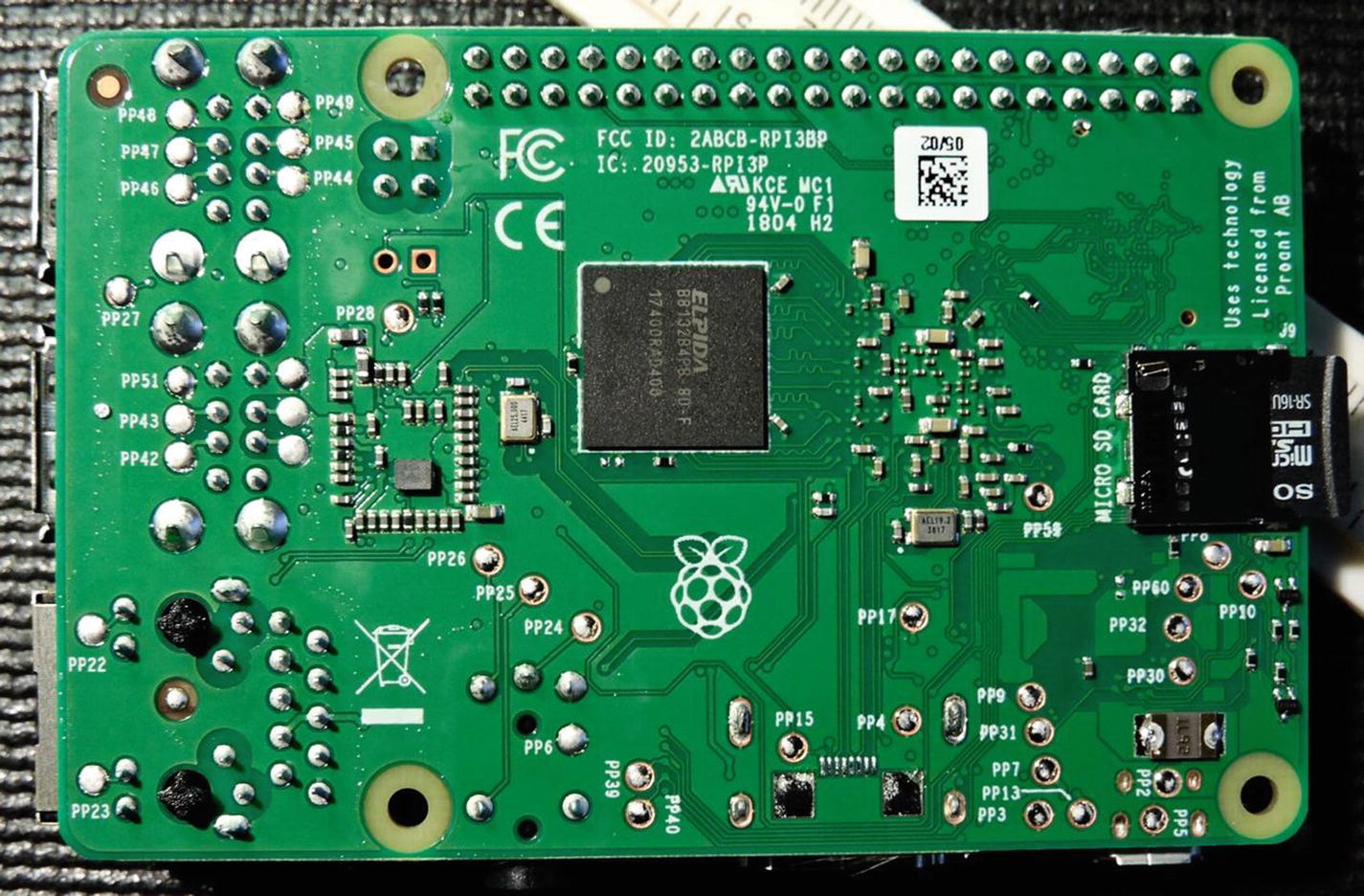
Bottom side of Raspberry Pi 3 Model B+
Raspberry Pi Zero
Not every maker project requires the full resources of a 64-bit quad core and 1 GB of SDRAM. The first Raspberry Pi Zero came out in November 2015 and later upgraded in May 2016. At a unit price of $5 USD, it makes an ideal SBC for many small projects.
The Zero is an ARMv6Z architecture (32-bit) device and runs the single core at 1 GHz. SDRAM is limited at 512 MB, which is still very sufficient for most projects. The first Zeros lacked the MIPI camera interface, which was added in the 2016 revision.
To save on cost, there is no soldered header strip or connector. There are also marked points on the pcb for the composite video, should the end user need it. The HDMI output is provided through a Mini-HDMI connector and the stereo audio is provided via PWM (Pulse Width Modulation) GPIO. There is also no wired Ethernet port on the Zero. It can be provided by using the one Micro-USB port and an Ethernet adapter.
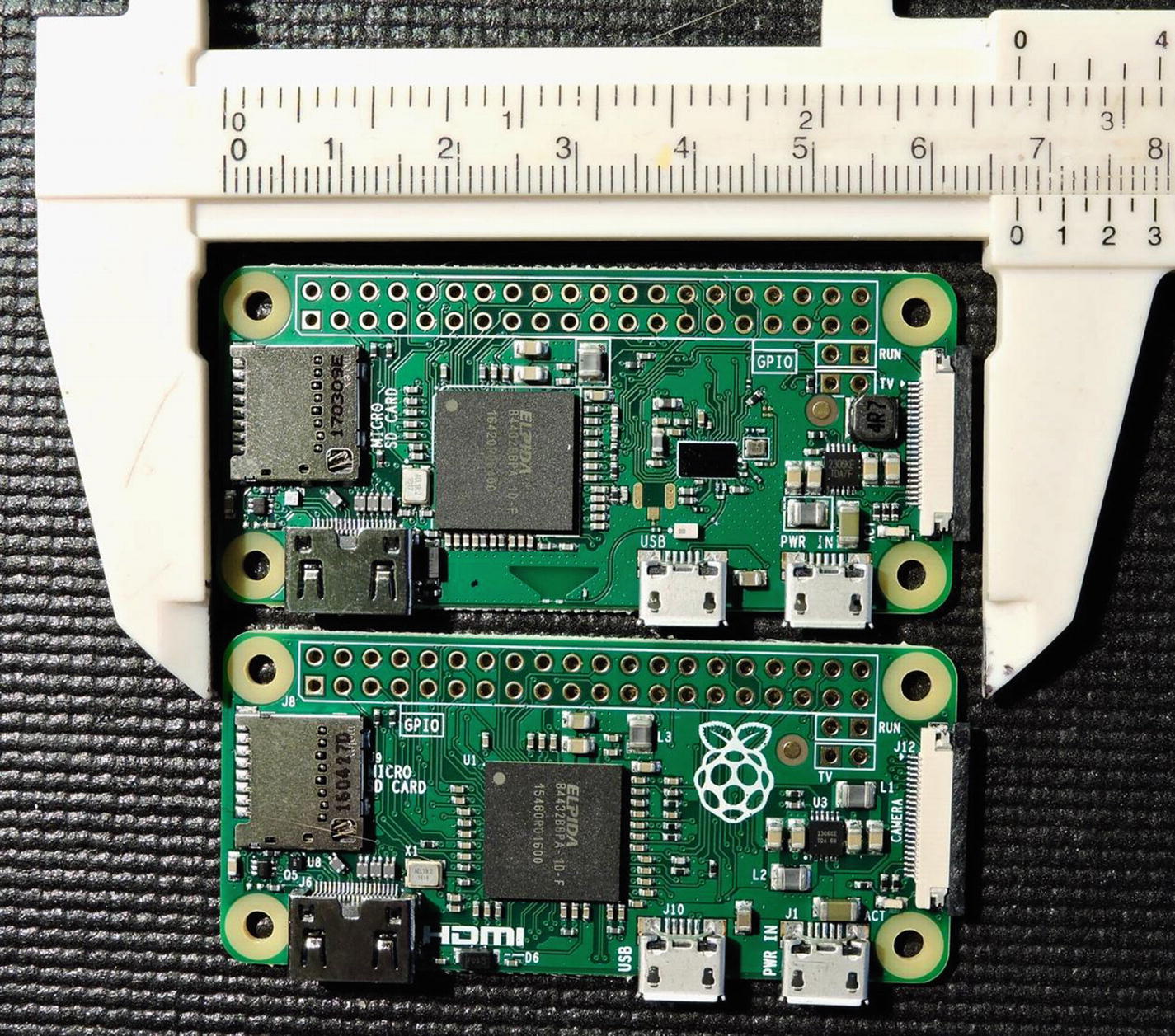
The top side of the Raspberry Pi Zero (at bottom) and the Raspberry Pi Zero W (at top)
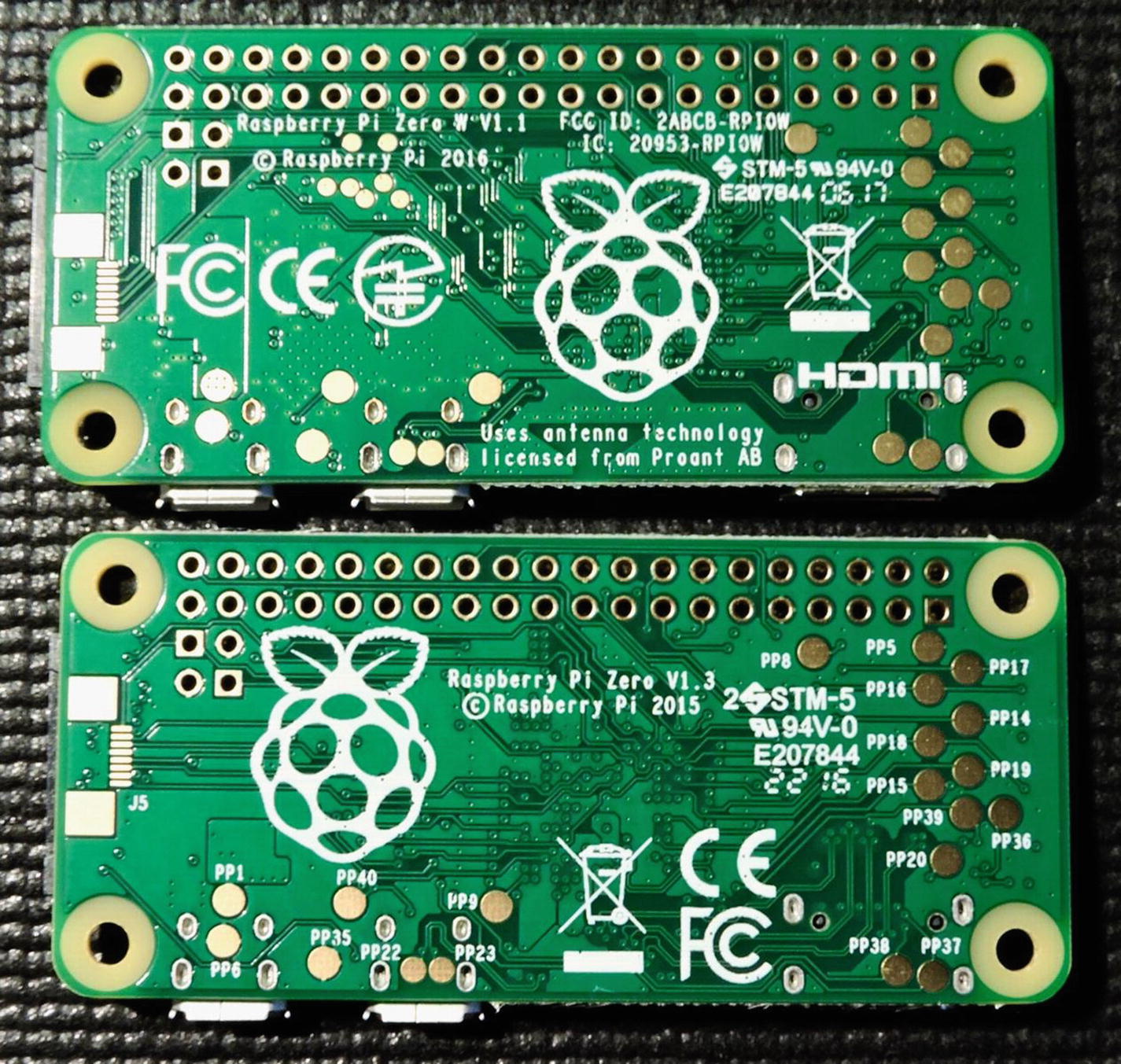
The bottom side of the Raspberry Pi Zero (bottom) and the Raspberry Pi Zero W (at top)
Raspberry Pi Zero W
The “W” in Raspberry Pi Zero W name is a giveaway that this is enhanced by the wireless capability, over the Zero. It is priced at $10 USD. The wireless standards supported are 802.11n and Bluetooth 4.1. Like the Zero, the Zero W has no wired Ethernet connector and only one Micro-USB port (the other is used for power only). Having the WIFI (WIFI is a trademark of the Wi-Fi Alliance) access greatly increases the device’s communication versatility.
Which Model?
The question that naturally arises is “which model to buy?” The answer is much like buying a car—it depends. If you are looking for a cheap computer that you can attach keyboard, mouse, and monitor to, then buy the most powerful device, like the Raspberry Pi 3 Model B+. Another class of project involving AI (artificial intelligence) or video recognition is another case for powerful hardware.
For building something that must weather outside and take photos of birds in a nest, then the Raspberry Pi Zero W with WIFI connectivity seems appropriate. There are perhaps other projects that don’t require network access at all, where the lowest price like the Zero applies. The best news is that you have a wide range of choices at low prices.