The default macOS installation includes Terminal application, Terminal, that is sufficient for use in this book. If you want a more full-featured Terminal, iTerm2 is an excellent option. It offers features such as splitting windows, extensive customization, multiple profiles, and a Toolbelt feature that can display notes, running jobs, command history, and so on. You can download the image file from the official website (https://www.iterm2.com/) and install it manually, or install iTerm with Homebrew-Cask using this command:
brew cask install iterm2
Here is iTerm2 running with the Toolbelt open and multiple editor windows:
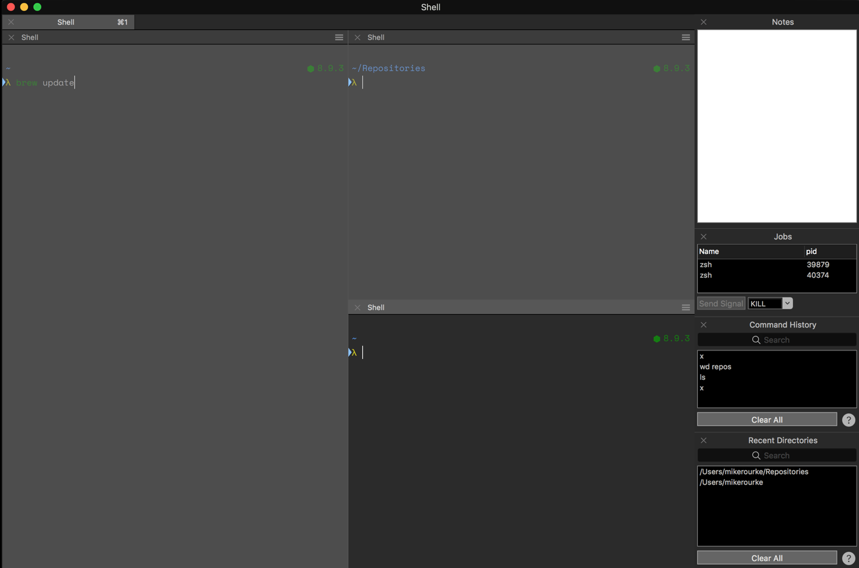
ITerm instance with multiple panes and Toolbelt