We installed the webassembly npm package with the -g flag, so the wa command should be available in the terminal. Open a terminal instance in the /compile-with-llvm directory and run the following command:
wa compile main.cpp -o main.wasm
You should see a file named main.wasm appear in the compile-with-llvm folder of VS Code's file explorer. To ensure the Wasm module compiled correctly, run the following command within the /compile-with-llvm directory:
serve -l 8080
If you navigate to http://127.0.0.1:8080/index.html in your browser, you should see the following:
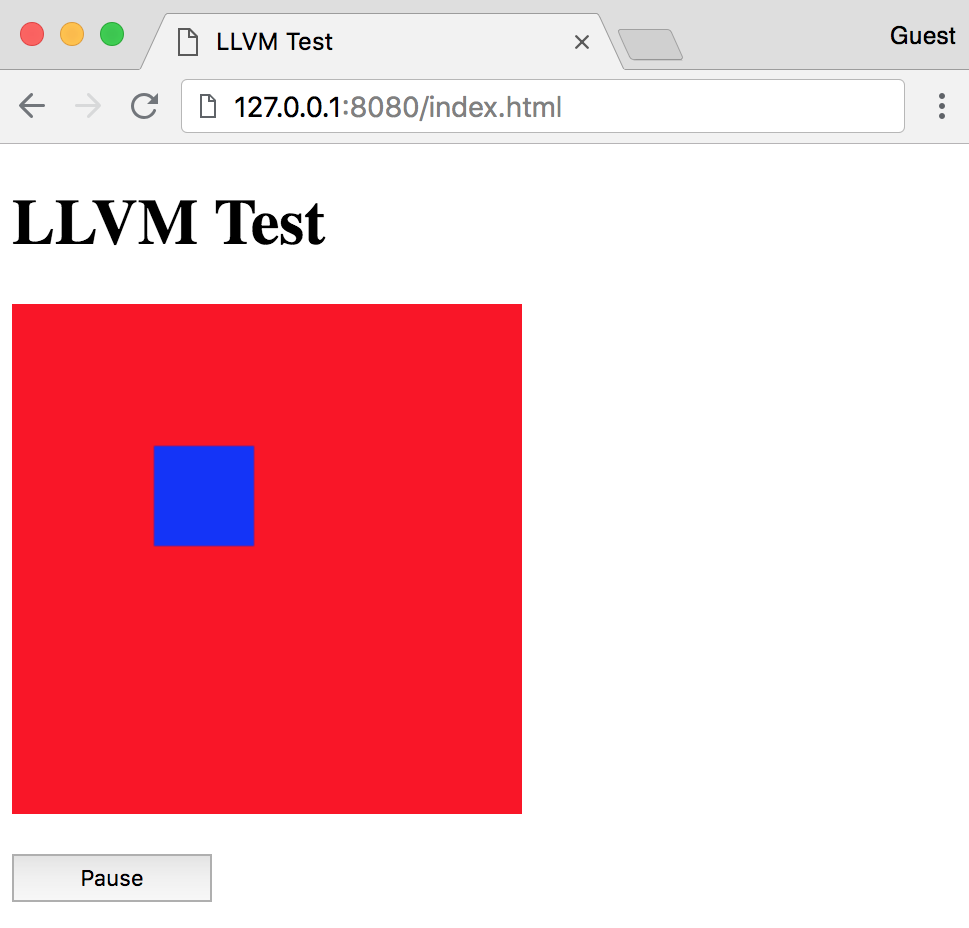
LLVM compiled module running in the browser