We will start our journey by creating a skeleton application to base all our further development upon. This initial code base will have RxJava dependencies and other libraries included, which we will use throughout this book.
Furthermore, it will have simple UI elements and some very basic examples of RxJava, on which we will continue building our code. This will be a super simple Android Hello World application with a twist of RxJava.
This app will also have elements, such us RecyclerView, which will be used in the later stages of the app but for now, they will be filled with mock data (but in a Reactive way!).
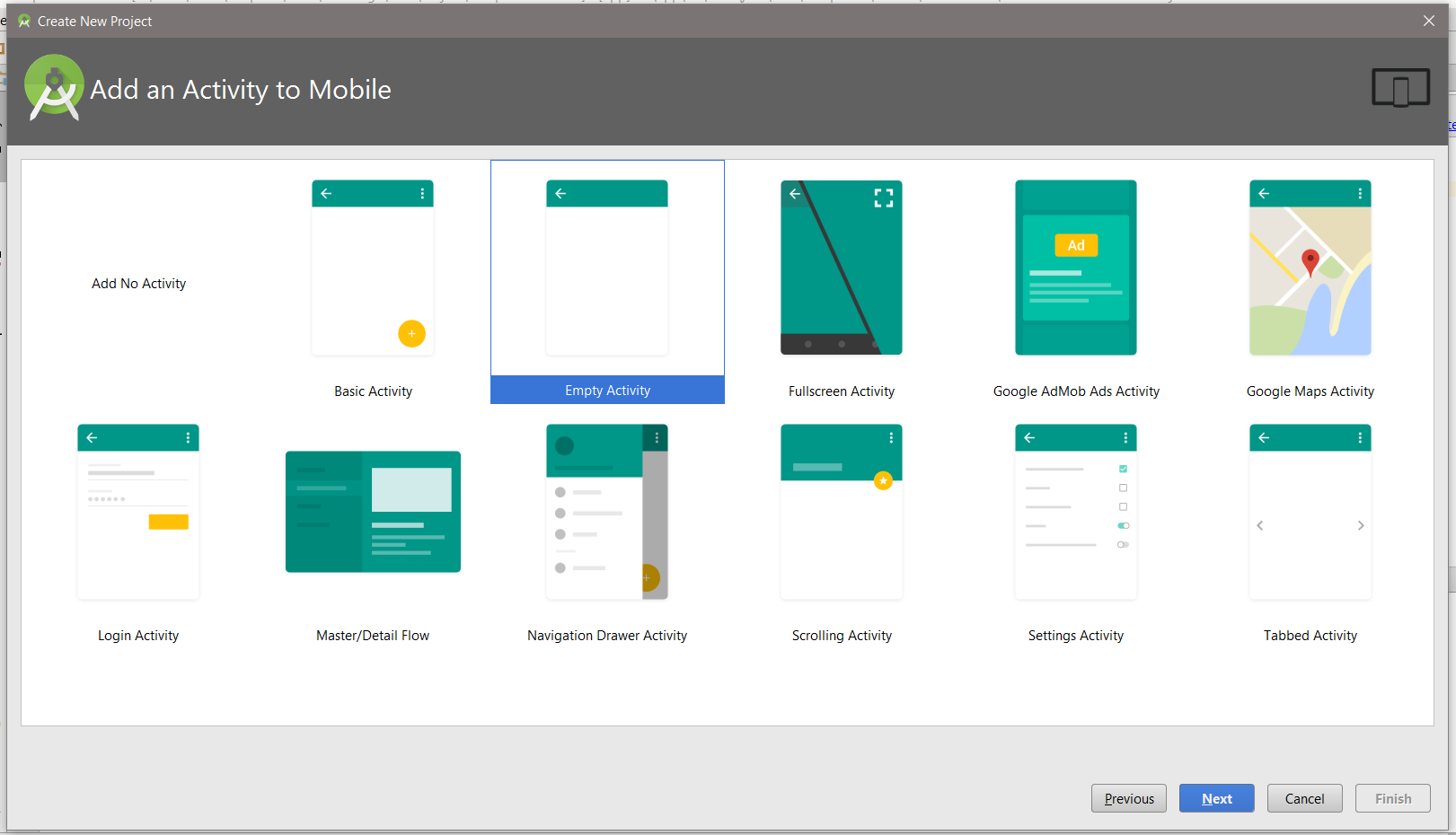
Finally, let's create our initial application using Android Studio. This can be done by starting up Android Studio (we will assume that you have a development environment set up and fully working) and using the initial Android Screen with an option of Start a new Android Studio project (or if you have a project already open, you can use a menu File->New->New Project) and select Empty Activity: